PIN INPUT CONFIGURATION
• To self-learn the current panel input status, press button C whilst in
quiescent/normal state for 5
seconds. LED 3 will flash red twice once completed.
• To change the input from negative removed or applied to positive removed or
applied, change the pin bias via My Base under the Hardware menu button and use
the A+ terminal instead
of RTN.
IF YOU CANNOT CHANGE THE PANEL’S POLARITY AND YOU DO NOT
HAVE ACCESS TO MY BASE OR THE WEBSITE, PLEASE SPEAK TO
OUR TECHNICAL SUPPORT TEAM
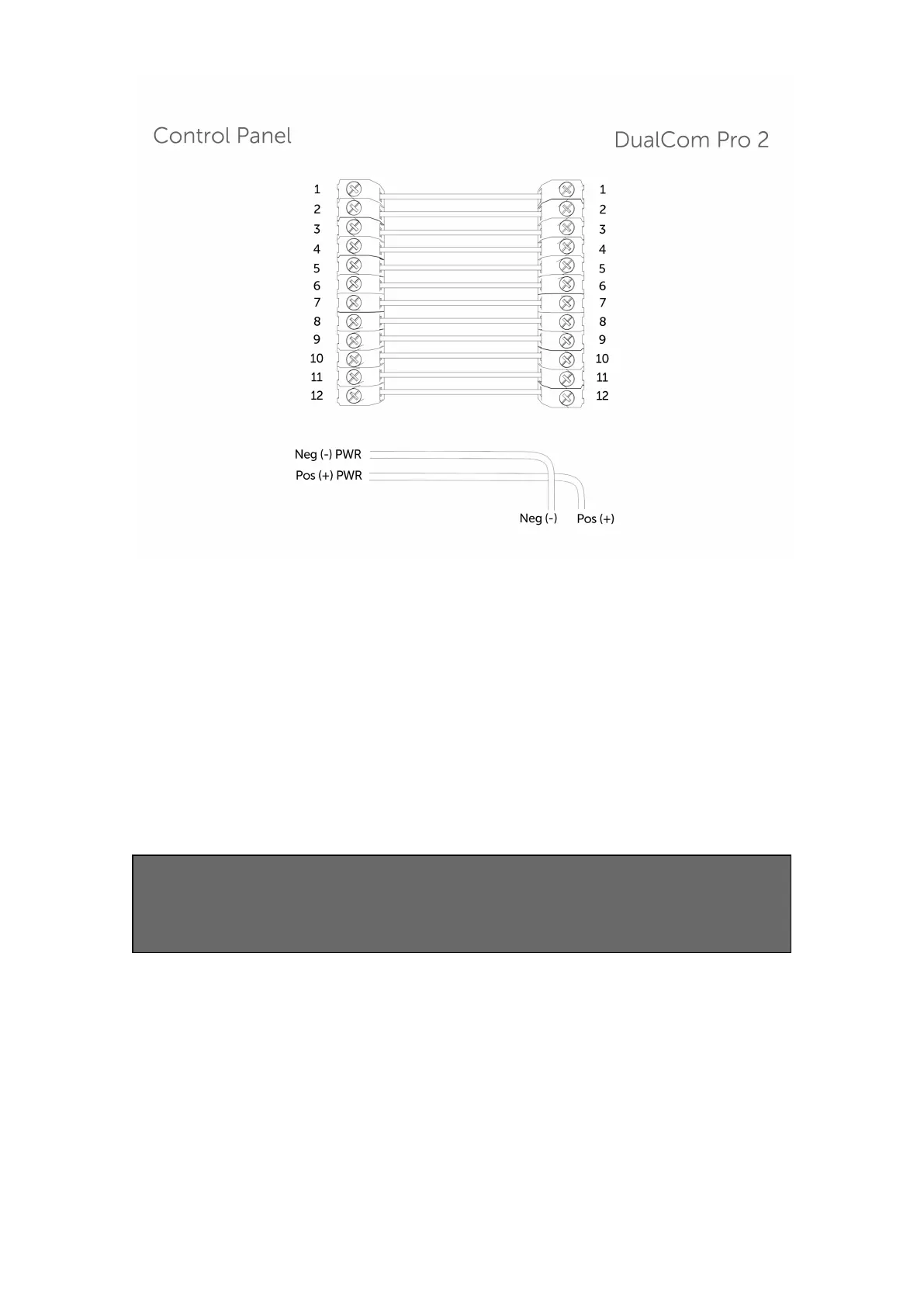
DualCom Pro device general inputs are defined as SIA untyped alarms for pins 1-12
(excluding pin 4).
UA/UR8001 to 8012 on standard product configuration.
Example: [#123456|NUA8001|AChannel 1 Alarm]
[#123456|NUR8001|AChannel 1 Restore]
DualCom Pro device pin 4 Open / Close inputs defined as SIA alarm OP and CL
OP/CL8004 on standard product configuration.
Example: [#123456|NOP8004|ASystem Set]
[#123456|NCLR8004|ASystem Unset]


 To Next Page
 Loading...