12
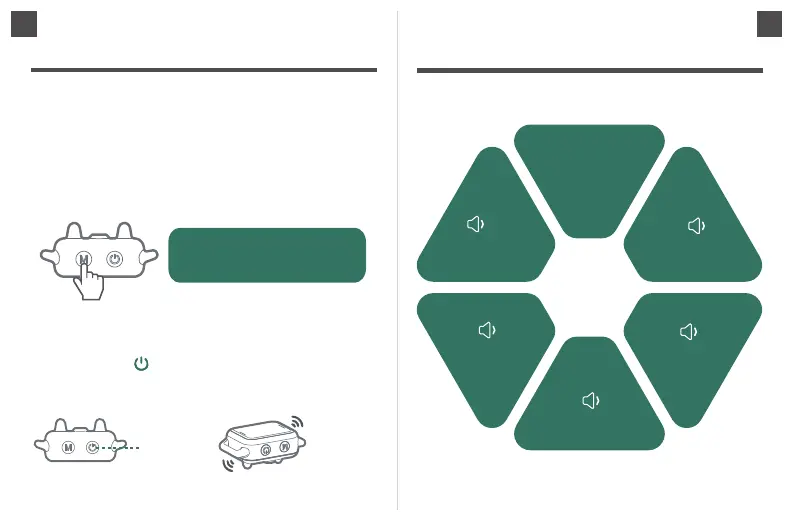
How the beep mode works
2 seconds
1 second
1.5 seconds
2.5 seconds
3 seconds
When the barking does
not stop within 30
seconds in the 5th
level, it will
remain the 5th
level.
1
24
5
3
6
11
Press and hold the button for 2 seconds, the display will turn
off and the collar will beep once to indicate the device is
powered off.
"beep..." 1 time
Press and hold
for 2 second
In the power on state, long press the M key for 2 seconds to
enter the vibration intensity adjustment interface, short press the
M key to adjust the vibration intensity, if no operation for 5
seconds, it will automatic exit vibration adjustment interface.
Vibration intensity is divided into two grades of high and low
selection, H means high grade, L means low grade, can be
adjusted according to demand.
Press and hold the M for 2
seconds to enter the Vibration
intensity adjustment.


 To Next Page
 Loading...