12
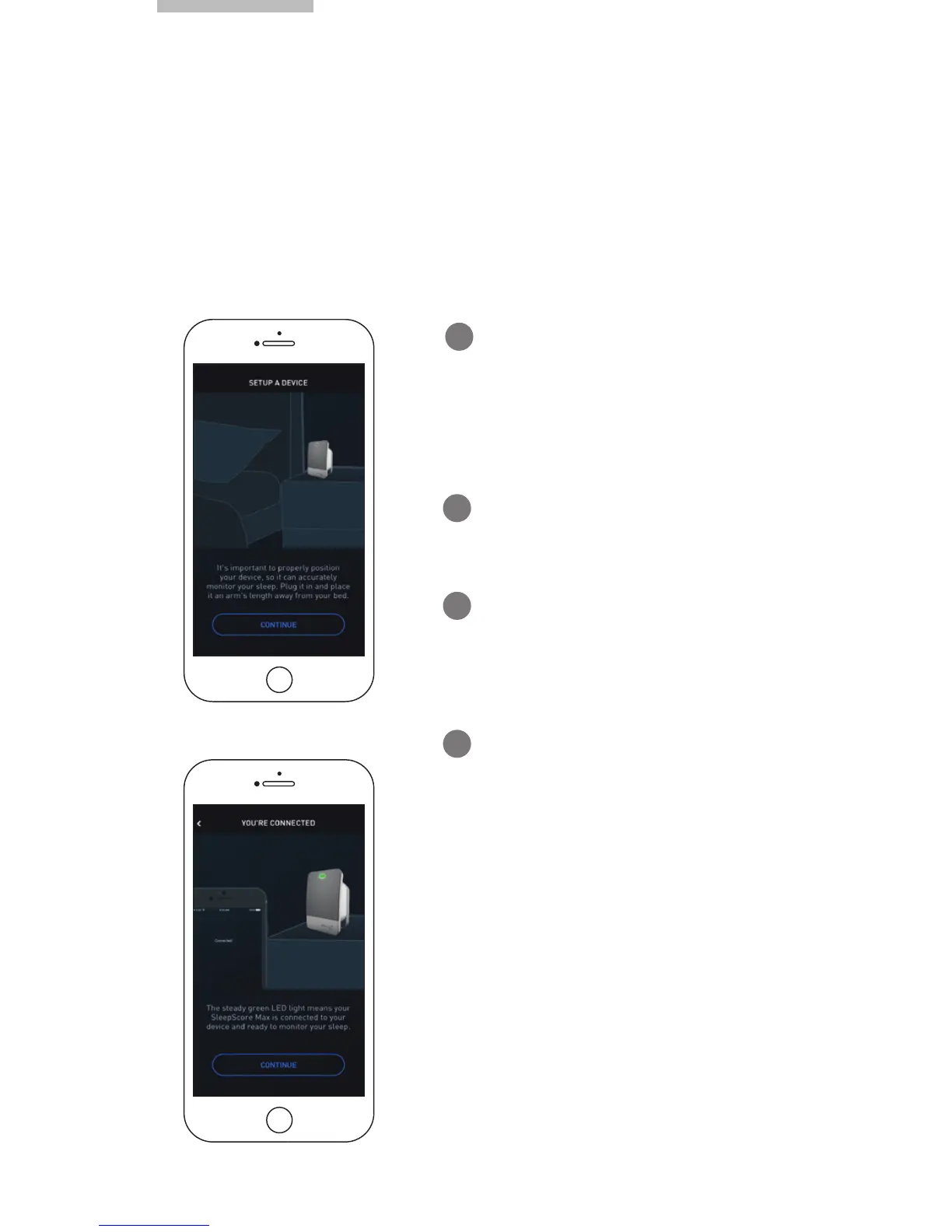
Pairing Your SleepScore Max
Connecting with Bluetooth
SleepScore Max communicates to your compatible Smartphone or
tablet via Bluetooth. After taking the app tour, the app will guide you
through connecting the two.
Ensure that Bluetooth is switched
on and that SleepScore Max is
powered up.
1
Tap the “Start” icon.
2
3
You will see the message “Device
Successfully Paired”.
4
Select “SleepScore Max” on your
available Bluetooth device screen.



 To Next Page