6
SETTING-UP YOUR SLENDERTONE ABS3
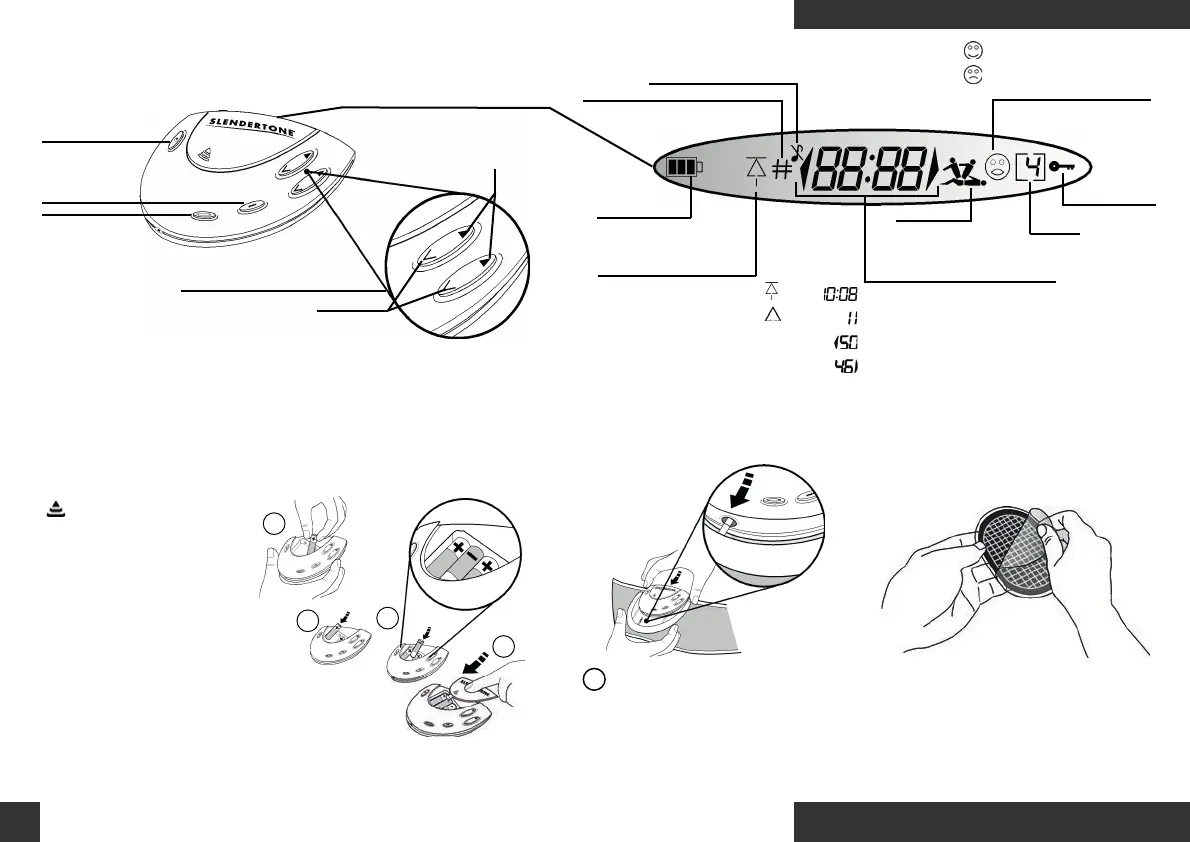
YOUR SLENDERTONE ABS3 CONTROLLER
On/ Off (Pause)
Button
Information
Button
Program
Button
Right & Left But
tons
Decrease Intensity
(Bottom)
Increase Intensity
(Top)
Display Screen
Number of sessions completed
Battery power
remaining
Highest intensity reached
Pad contact indicator
Mute function activated
User Progressing
Product switched off
before session completed
Muscle
contracting/
relaxing
Program
number
Keylock Active
Program timer/ error messages
Program paused
Left-hand intensity
Right-hand intensity
A
D
C
B
Step 1: Insert the batteries in sequence.
Step 2: Attach
controller.
Insert fully (slide until it clicks)
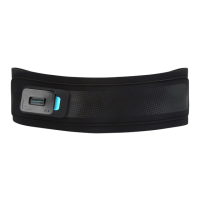
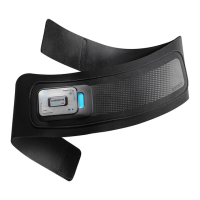
Insert the controller into the belt by
holding the belt and sliding the
controller firmly into place until
you hear it click.
!
Step 3: Remove covers
(from grid side).
English
www.slendertone.com
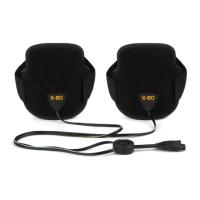
Remove the covers from the
grid side of the GelPads.
Press the embossed arrow
( )and slide the battery
cover. With the controller
facing towards you, place
the first battery in the
right-hand space (See A)
with the flat end (ie. the
negative side) first. Next
place the second battery in the
left-hand space (See B), again
with the flat end first. Finally, place
the third battery into the central
space with the flat end (negative
side) last (See C) and replace the
battery cover (See D).
Slendertone Abs3 US IM Rev 3_Layout 1 15/05/2017 14:19 Page 8








 To Next Page