10
English
www.slendertone.com
C
C
ARING
ARING
FOR
FOR
YOUR
YOUR
GELPADS
GELPADS
• The GelPads are for single person use only.
• You should ensure your skin is clean and free of oils, creams and
other lotions before use.
• The durability and effectiveness of the GelPads depends entirely on the
proper use, storage and care on the part of the user, certain skin types
and the type, duration, number of sessions, intensity used and site of
stimulation.
• Ensure your hands are clean before handling pads. You should avoid
touching the skin-side of the GelPads with your fingers as much as
possible when applying or removing the belt, as this can transfer oils
and skin particles to the GelPads’ surface.
• After use, replace the liners on the black side of the GelPads and
store your unit in a cool, dry place until the next use.
• GelPads will need to be replaced periodically as the surface picks up
skin debris and becomes dry over time.
C
C
ARING
ARING
FOR
FOR
YOUR
YOUR
BELT
BELT
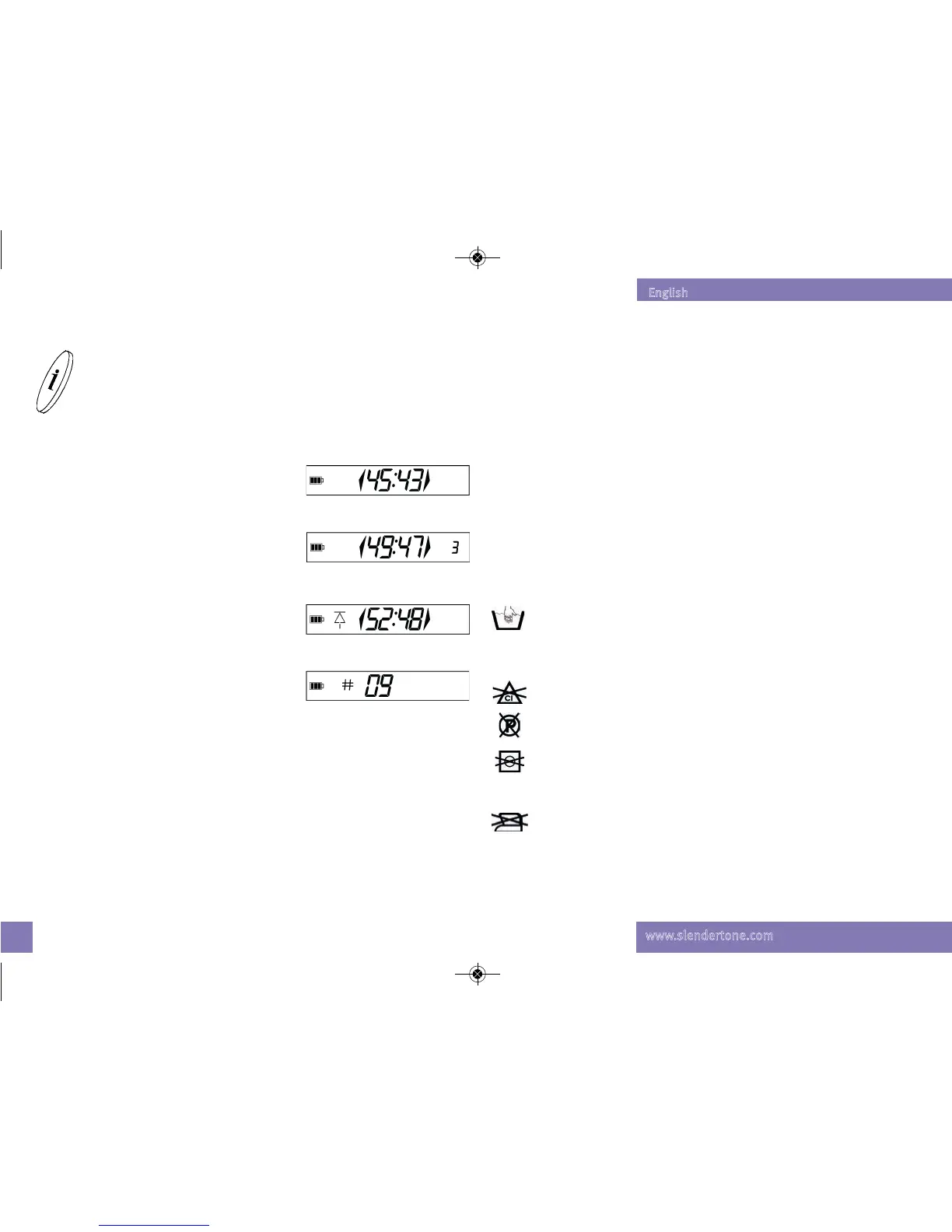
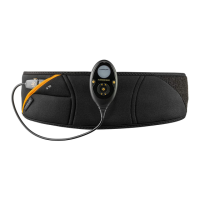
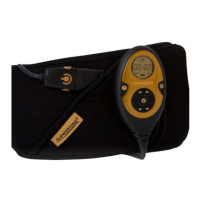
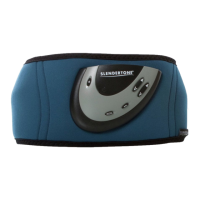
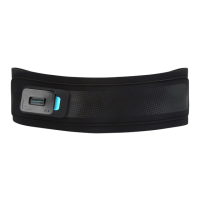
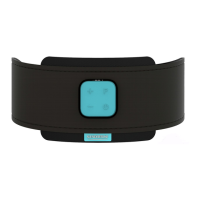
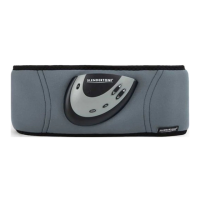
You should not let your unit get wet, but you may wipe it clean with a
lightly dampened cloth. The belt can be washed, but you must first
remove the unit and pads. Always follow the instructions on the label
when washing the belt.
Never machine wash your belt. Always hand wash it in lukewarm
water. This protects the internal wiring from damage in the washing
machine. You should take care even when hand washing and
never wring the belt to remove water.
Do not use any bleach when washing your belt.
Do not dry clean your belt.
Do not tumble dry your belt. Dry the belt on a flat surface, but
not on anything hot (e.g. a radiator) as the belt contains plastic
parts. Ensure the belt is completely dry before use.
The
SLENDERTONE belt must not be ironed.
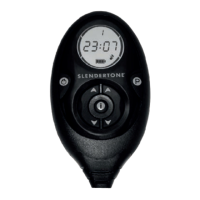
Your unit stores information about current and previous
sessions which is accessed using this button. You can access
the information while a program is running. The information is
displayed for three seconds and then reverts back to the
program timer.
T
T
HE
HE
INFORMATION
INFORMATION
BUTTON
BUTTON
Current intensity levels
Press the information button once to display the
intensity of the current program.
Average intensity levels
Press twice to see the average intensity used on
both the right and left sides of the belt over the
past 3 sessions.
Highest intensity levels
Press three times to display the highest intensity
to date from either side of the belt.
Number of sessions to date
Press four times to see how many sessions you
have completed to date. Please note that the
unit will reset itself to 0 after 250 sessions.
US Flex Pro IM Rev 8 Backup_Layout 1 26/11/2014 12:47 Page 12


 To Next Page