24”-31” / 61-79cm
30”-38” / 76-97cm
37”-42” / 94-107cm
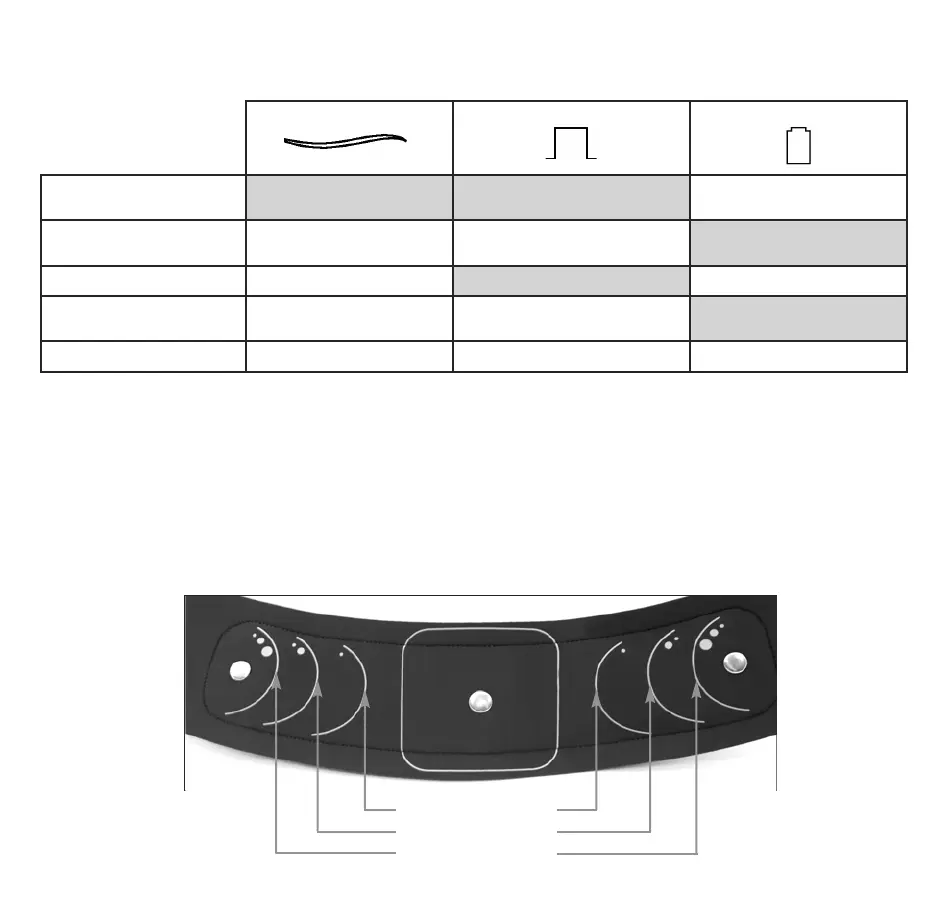
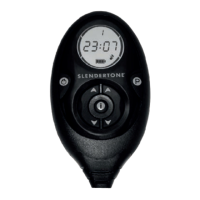
Controller Indicators
The controller has 3 indicator lights with various different functions. These are explained here.
* This indicates poor contact between the belt and GelPads or between the GelPads and your skin (see page 14).
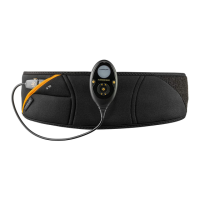
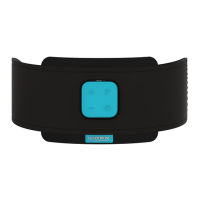
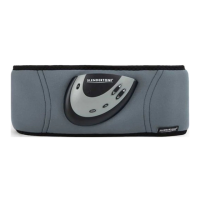
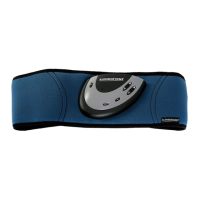
SLENDERTONE CONNECT ABS9 Belt
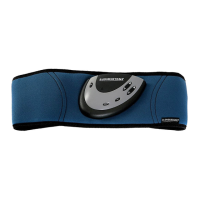
The belt fits a range of waist sizes (24”-42”/ 61-107cm). On either side of the square in the centre of the belt are 3
size indicators. These show the positions in which you should place the 2 oval GelPads depending on your waist
size. For example, if you have a small waist, the two oval GelPads should be placed within the outlines closest to the
square. Use the size guide below to help you identify where to place the oval GelPads to suit your waist size.
Power Indicator Stimulation Indicator Battery Indicator
Constantly On Amber = Battery Charging
Green = Fully Charged
Slow On-Off Controller On On = Muscle Contraction
Off = Relaxation Phase
Slow Flash Programme Paused Amber = Low Battery
Fast Flash Bluetooth
®
Pairing GelPad Contact Error*
Controller Error
Cycles Through All LEDs Updating Controller Software Updating Controller Software Updating Controller Software
8
Slendertone Connect IM 5L_ML Book 26/05/2015 10:50 Page 9


 To Next Page