
 Need help?
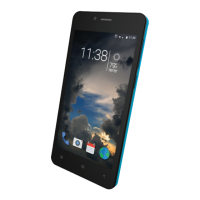
Do you have a question about the SLIDE SP4513 and is the answer not in the manual?
Align and gently slip the SIM Card into the card holder.
Align and gently slip the Memory Card into the card holder with contacts facing down.
Align battery contacts and gently press until it snaps into place.
Access internet functionality using cellular data or WiFi connection.
Use the phone as a flashlight with the camera light or screen.
Browse audio, image, video, document, and application files.
 General
| Brand | SLIDE |
|---|---|
| Model | SP4513 |
| Category | Smartphones |
| Language | English |

 To Next Page