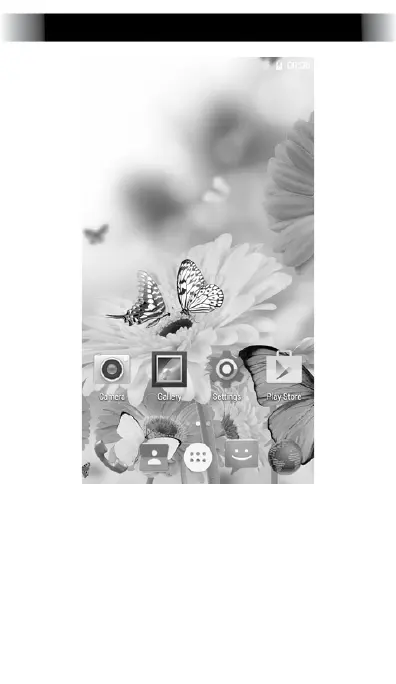
Desktop Settings
Once on the desktop, press an icon to
open the corresponding application,
or press and hold to drag the icon and
rearrange the desktop. To remove an icon,
press and hold it until “Remove” appears,
then drag it onto “Remove” to remove
the icon (NOTE: this does not uninstall the
application).


 To Next Page