Displays recent calls (from main menu)
Use as “ok” button to advance in menu options
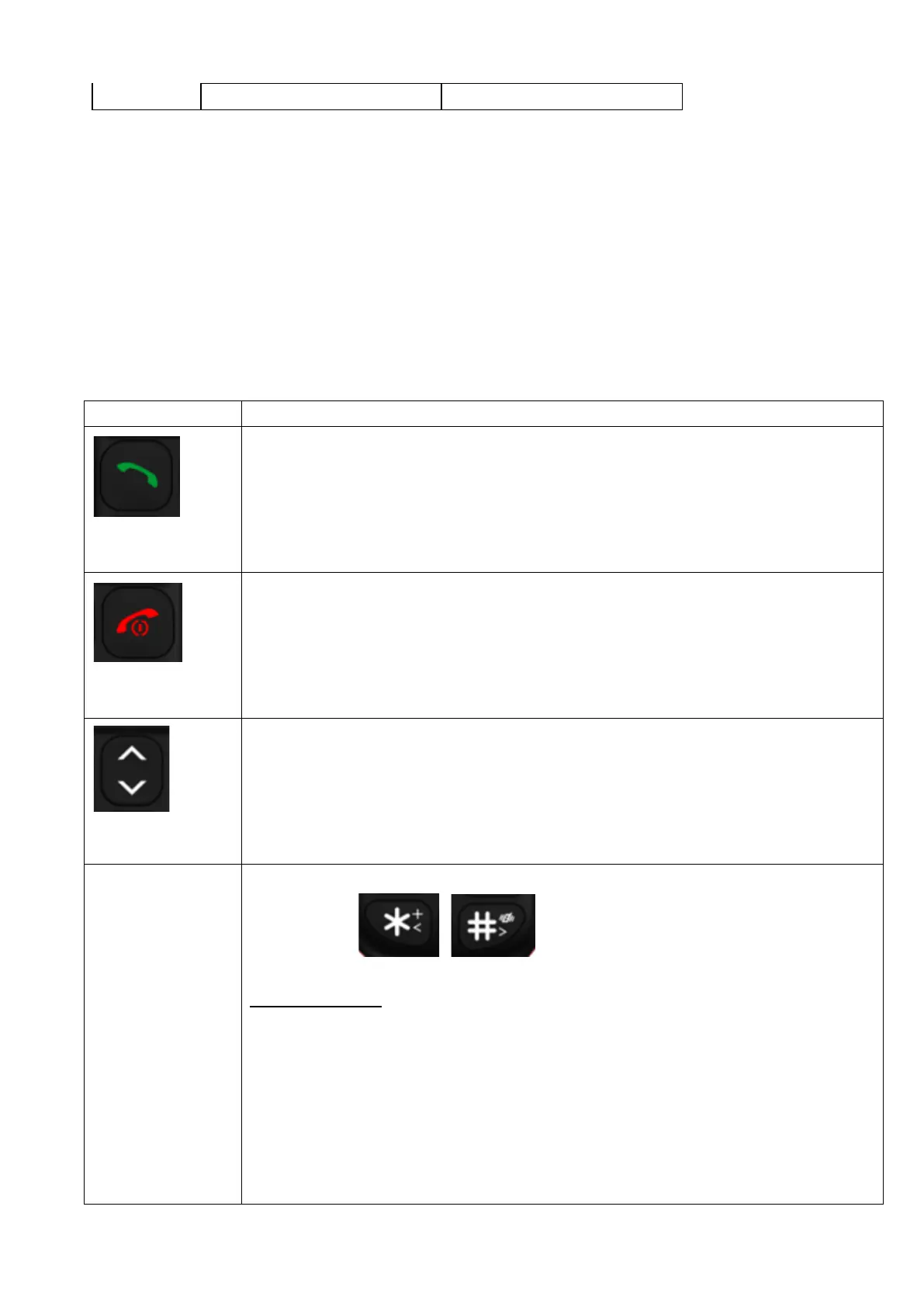
Answers and connects calls.
Used for menu options by scrolling through ( up, down ).
Press the volume keys "up" can make the volume louder
Press the volume keys "down" can make the volume softer
Press up key to open FM
Used for inputting numbers and characters.
Keys 2 - 9 and , can be used as speed dials for quick calling.
Speed Dial setting:
a) To Add new contact
Hold the desired number key and Set Number option will be shown. Press Green
Button to edit/choose the contact person. It has a condition that the contact person
should have already been input in your Phonebook.
b) To Edit/delete key for speed dials
Scroll the Arrow key to Settings, press Green Button, and then scroll the Arrow key to
Call setup option and choose Speed dial option to update the Set number. Scroll the


 To Next Page
 Loading...