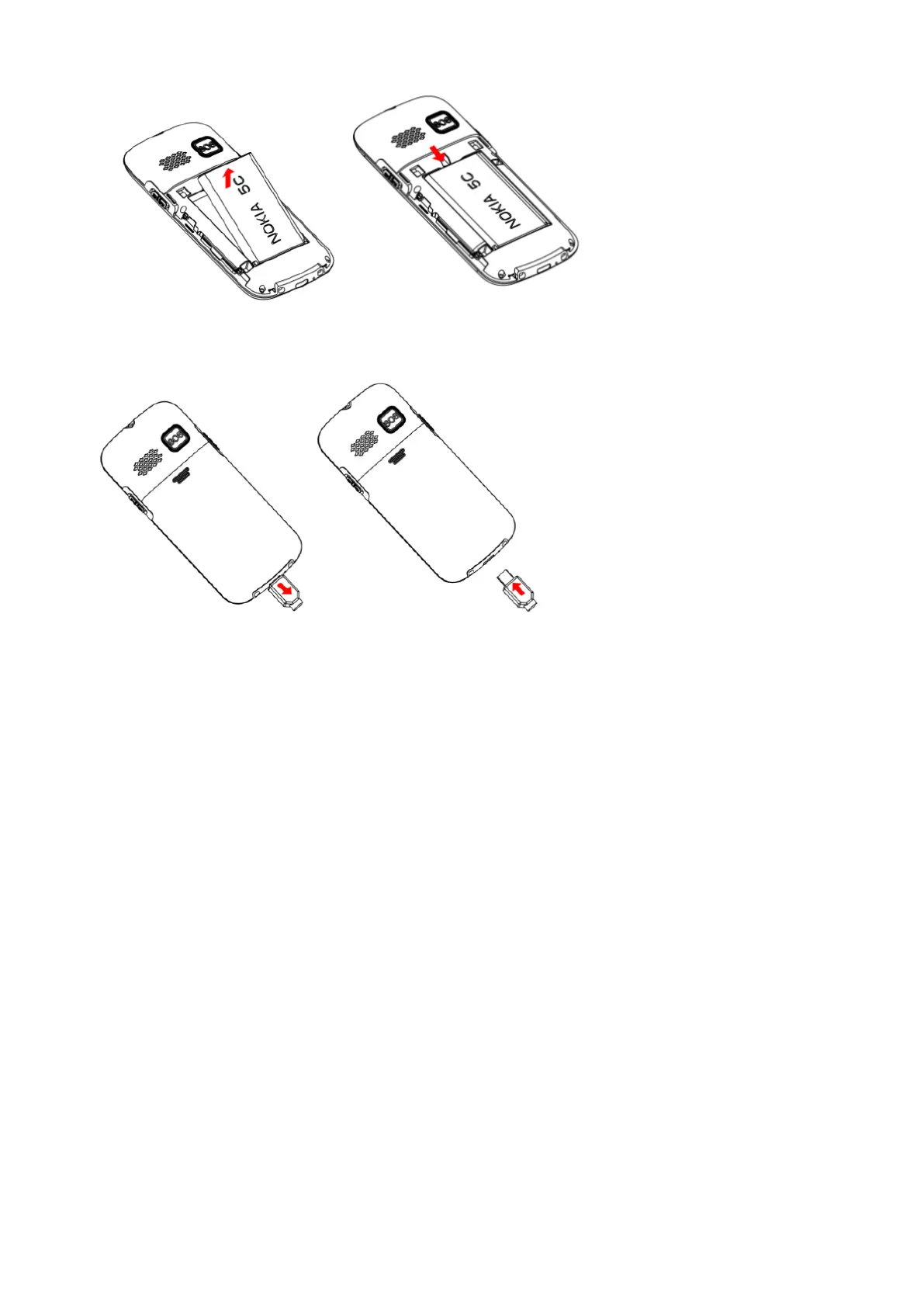
4. Charger
Add new contact to Phonebook
Follow phone menu
Call center
:
Enter into this menu to read the dialled calls, received calls, and Missed calls’ list.\
Messages:
Enter into this menu to read inbox’s messages, Write new messages, Outbox messages.
Number Key Speech
Press the number key, the number can be read as dialing(settings—silent model is off)
Key Sound Mode is ON(settings—phone setup—key sound)
Time and date
Scroll the Arrow key to Settings, then to Phone setup option: you can set the time and date.
Language and Input method
To choose language display and message input method
Multimedia
Support MP3
,
FM,Bluetooth function. Share the music after insert external T-flash card
Scroll the Arrow key to Settings, you can see multimedia, and enter into for listening and watching.



 To Next Page