177
Repair Parts and Maintenance Guide
The information contained in this document is subject to change without notice.
Solenoid valve DOES NOT produce an audible “CLICK” and NO water flows. Green LED illuminates when batteries installed.
A. Replace EFP103A solenoid valve module.
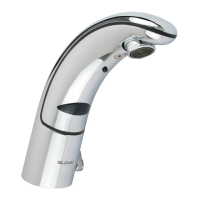
Faucet delivers only a slow flow or dribble when sensor is activated.
A. Water supply valve is partially closed.
Open the supply stop(s) completely.
B. Inlet fitting filter is clogged.
Remove, clean, and reinsert. Replace with EFP101A replacement filter kit if necessary.
C. Aerator or spray head is clogged.
Remove, clean, and reinsert.
Faucet DOES NOT stop delivering water or continues to drip after user is no longer detected (automatic shut-off fails even when batteries are
removed).
A. Solenoid valve seat is dirty.
Remove, clean, and reinsert solenoid filter. Activate faucet several times to flush out dirt.
B. Sensor range is set too long and is detecting the sink or some other object.
Reduce sensor detection range.
C. Solenoid valve module is not working properly.
Replace EFP103A solenoid valve module.
The water temperature is too hot or too cold on a faucet connected to hot and cold supply lines with inlet filter fitting.
A. Supply stops are not adjusted properly.
Adjust supply stops.
NOTE: For some systems, a thermostatic mixing valve may be required
SLOAN CONNECT APP FAQs
How do I connect my faucet to the Sloan mobile app?
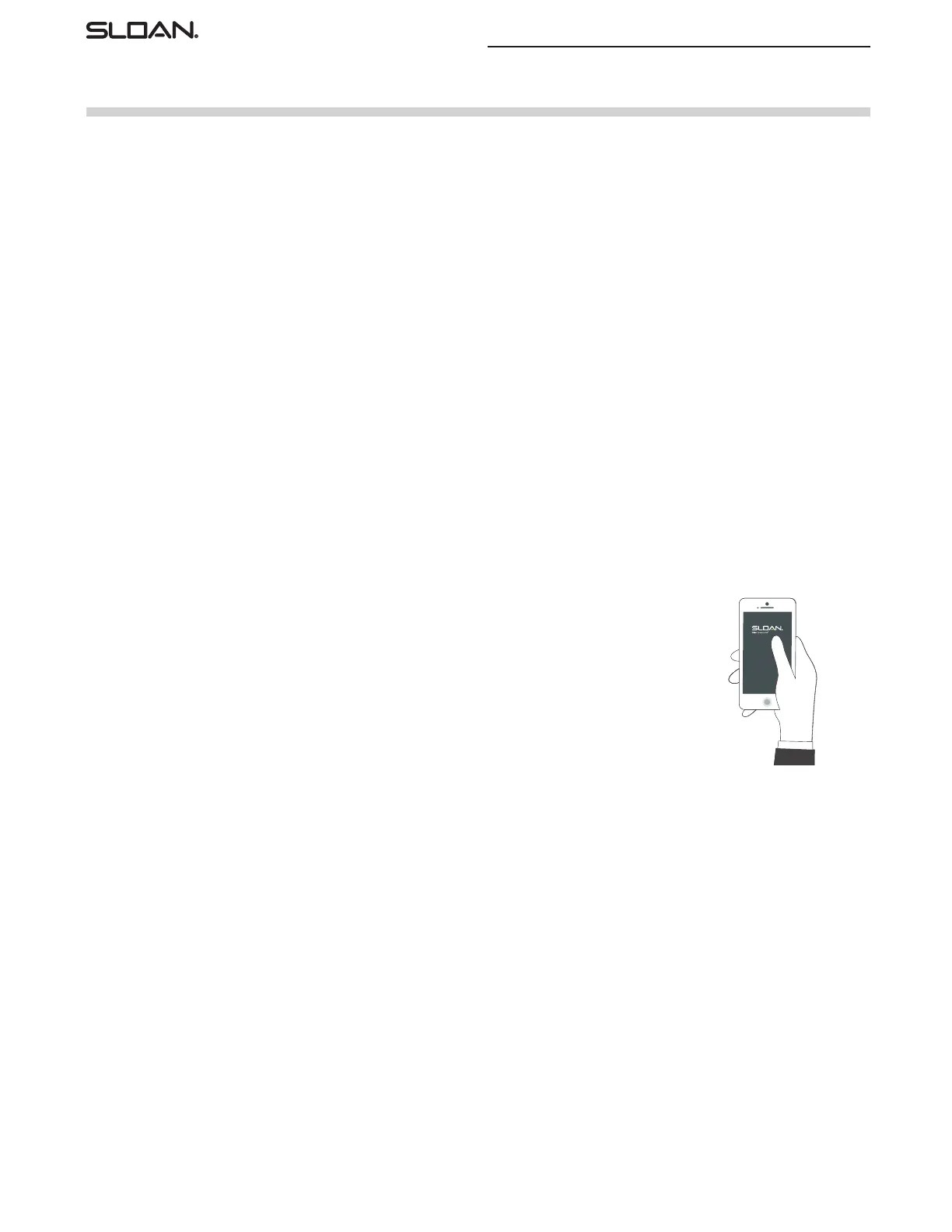
To connect your faucet to the Sloan mobile App, you must complete the following steps:
1. Turn on your smartphone’s Bluetooth.
2. Open the Sloan mobile app.
3. Complete all Sign In fields and agree to the End User License Agreement and Terms of Use.
4. Activate your faucets Bluetooth transmitter by slowly waving your hand underneath the faucet three (3) times
within ten (10) seconds. Note: water will run during this process.
5. When your faucet’s Bluetooth transmitter is activated, the Sloan mobile app will display your faucet.
6. Select your faucet to confirm and connect to the Sloan mobile app.
Can I still use my app and faucet if there is no internet connection?
Yes. The Sloan Connect App and faucet are designed to work in offline mode. All connectivity occurs via Bluetooth, which does not require an internet
connection. If your phone is running Android 7, there is a built-in feature to prevent abusive BLE scanning. This change prevents an app from stopping and
starting BLE scans more than 5 times in a window of 30 seconds. If this app does not detect any faucet and your phone is running Android 7, just exit the app
and restart the app 30 seconds later.
My faucet is not showing in advertised devices.
Please be sure your Sloan Optima Control Box has power. To do this, remove the cover with the single screw in the center. Check there are no loose or discon-
nected wires and ensure the batteries are properly installed. Then repeat the connection process. If you are still experiencing issues, contact Sloan.
How do I save and load settings?
Each time you update settings on a faucet, they are stored in the app. If you would like to load the settings from a previous faucet to a new faucet, connect to
that faucet and select the “Load Previous Settings”. This will display a dialogue box showing the previous settings. Click “Confirm” to load those settings into
the app, then select “Apply Settings To Faucet” button at the bottom of your dashboard.
Why is the dashboard photo of my faucet not correct?
Each Sloan faucet type has several images associated with it. Use the left and right arrows to view the different faucet images.
How can I use the Sloan Connect App to save information about a specific faucet, like its location?
Select the “Notes” option from the main App screen and use this feature to include up to 120 characters worth of information.
When assistance is required, please contact Sloan Technical Support at:
1-888-SLOAN-14 (1-888-756-2614) (USA only) or +1-847-671-4300 (all other locations),
or visit sloan.com
Optima
®
EBF-650/ETF-600 Faucets
Parts & Accessories


 To Previous Page
 Loading...