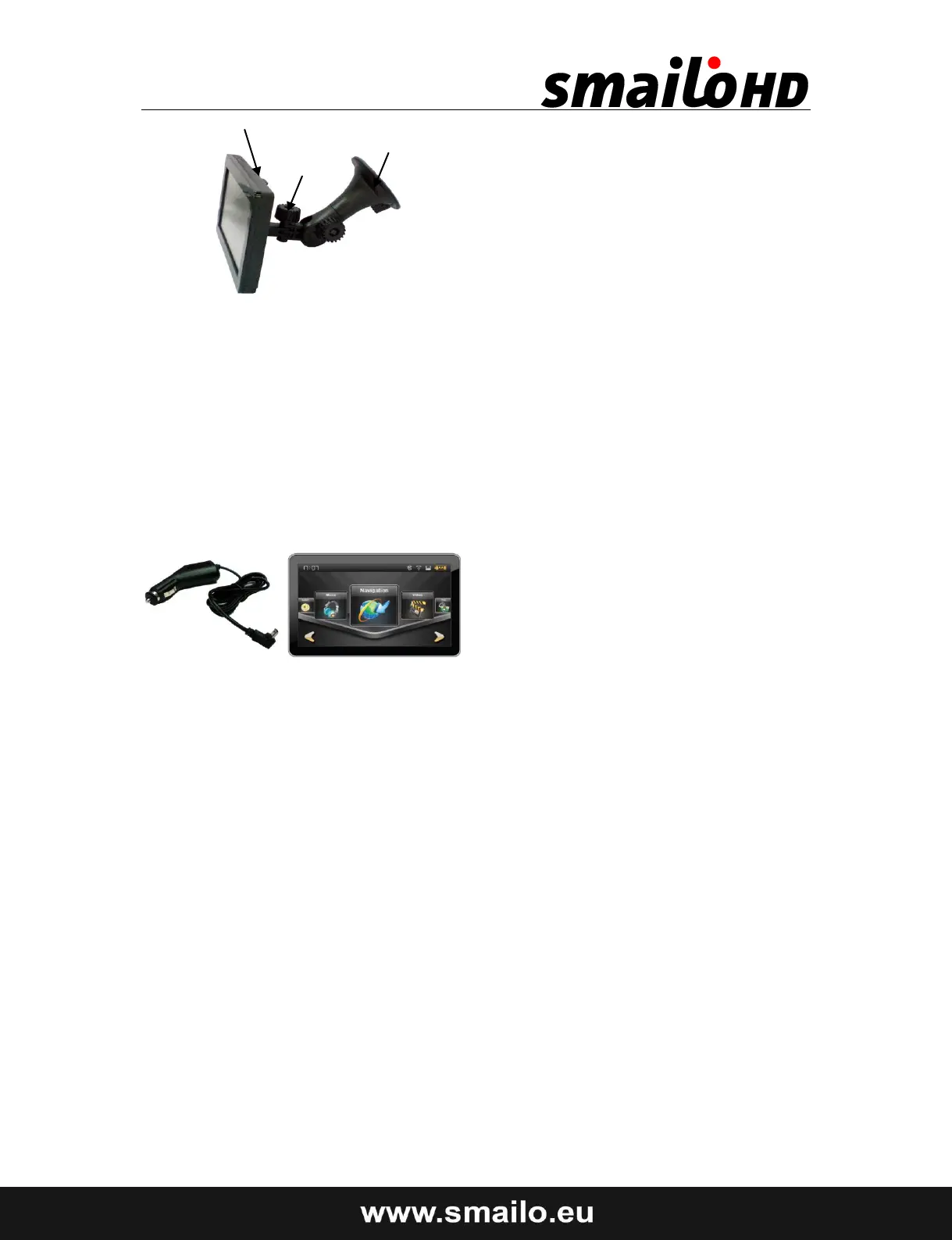
Holder
Suction Cup
Cradle
3. Mount the car holder to the flexible neck. Note the labels on the flexible neck.
The arrow labeled CLOSE must point in the direction of the fixture. The
connection closes with a noticeable clicking sound.
4. Place the holder with the suction head onto the suction plate (or directly onto
the wind screen) and press the lever on the suction head downwards. The
suction head will stick itself firmly to the suction plate.
5. Place the navigation system into the car holder by placing it initially in the
lower noses and then pressing it down gently until the holder clicks in.
Connecting the Navigation System In The Car
When the battery is in a low voltage, you can recharge it in the car:
1. Plug the jack (1) of the connection cable into the corresponding
receptor at the bottom of your navigation system.
2. Insert the power adapter (2) now into the cigarette lighter socket and
ensure, that it will not lose contact while driving. This could cause a
malfunction.
● Hint: Remove the power adapter from the cigarette lighter socket when
ending a trip or when parking the car for a extended period of time.


 To Next Page
 Loading...