9
Turning Off Your Smart Controller
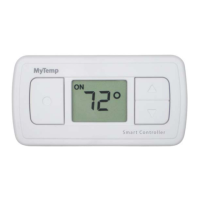
You can turn off any Smart Controller at any time by holding down the On/Saver/Off button until the display screen
goes blank. Turning off a Smart Controller means that the room will not receive conditioning until you turn the Smart
Controller on again.
Turn on the Smart Controller by pressing any button on the Smart Controller.
As an example, you might want to turn off conditioning in a given room during a remodel. Off mode conserves battery
power while you are not using the Smart Controller.


 To Next Page