4
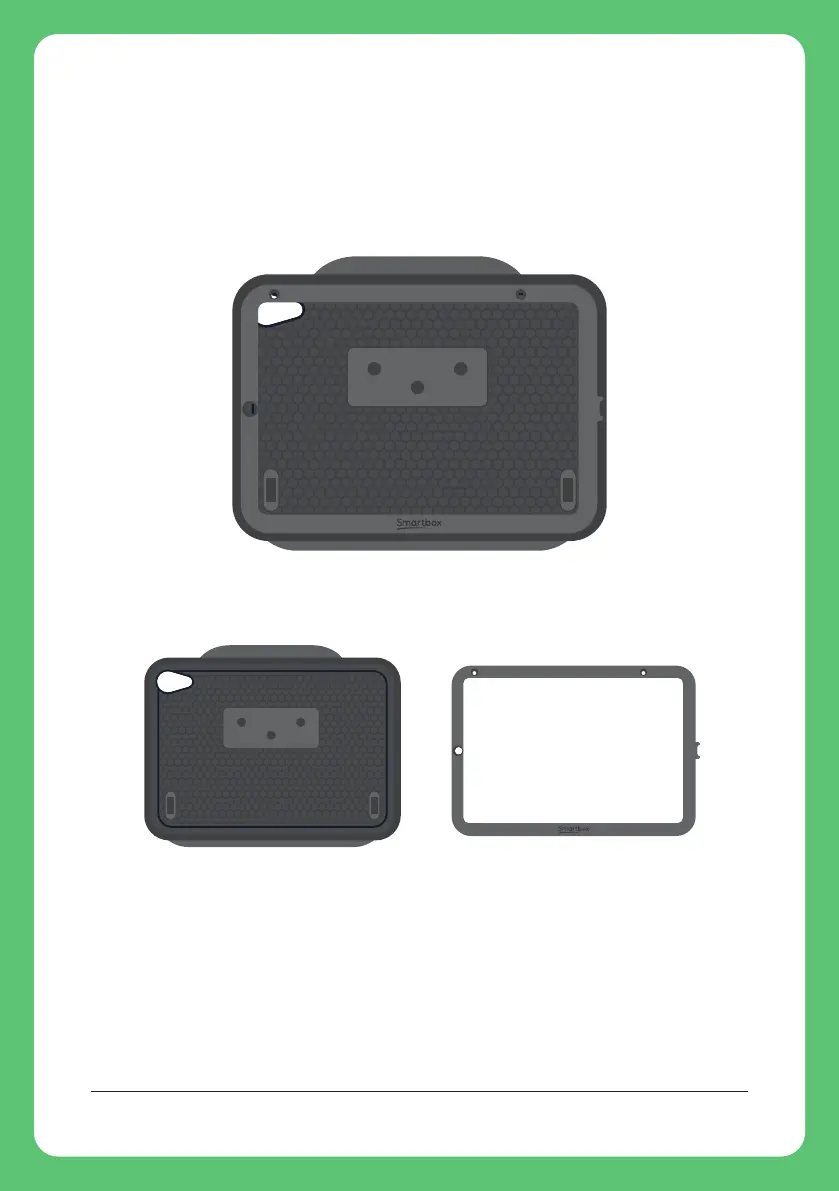
Your case has two parts: a clip frame and the rubber
surround.
Remove the clip frame from the surround.
Place the clip frame over the screen of your iPad. Make sure
that the front camera is visible and the charging port is not
blocked.
Tip: The camera should be on the left, Smartbox logo on the
bottom and the charging port on the right.
1. Inserting your iPad


 To Next Page