.L[[PUN*VUULJ[LK
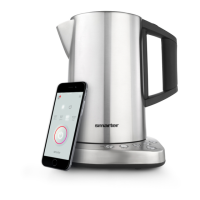
Connecting your iKettle to the app couldn’t
be easier. The application will guide you
through your set up installation.
1. Plug in the iKettle and switch it on via the
main power supply.
2. Download the iKettle app via your app
VWRUHRUDWZZZZLıNHWWOHFRPDSS
3. Connect to the iKettle network via your
device settings.
4. Open the iKettle app and follow the step
by step instructions to complete set up.
04769;(5;!7SLHZLTHRLZ\YL[OH[`V\Y
ZTHY[WOVULPZPUYHUNLVM[OLP2L[[SL
UL[^VYRHZ^LSSHZ`V\YOVTLUL[^VYR
10


 To Next Page