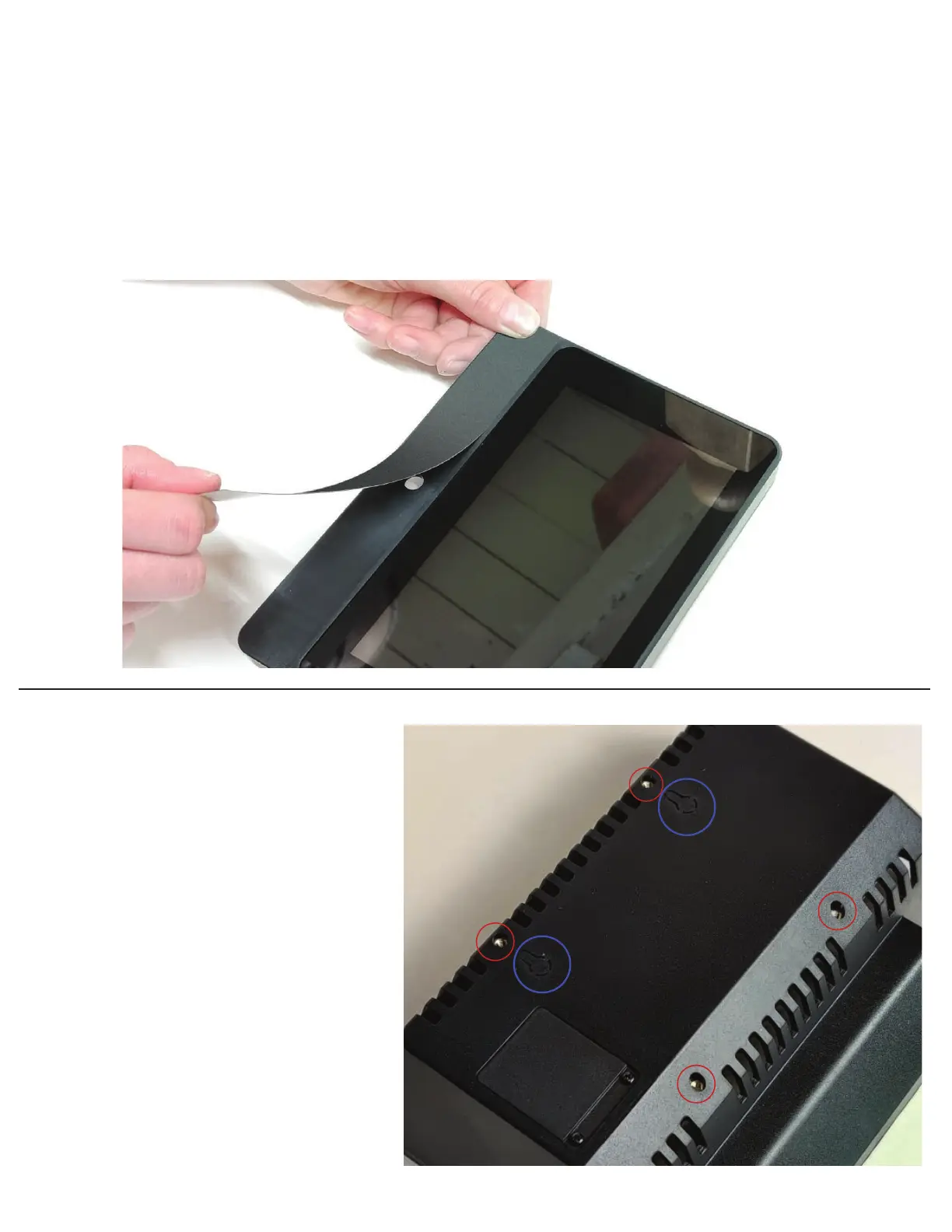
75mm VESA mounts (circled in red )can
be used to mount the display housing
instead of using the stand. The threaded
holes are size m4
Two eyelets can be cut out with a utility
knife (circled in blue ) to mount to a
surface. The mounting points are 75mm
apart.
If the case came with a blank adhesive panel for the front, this can be used to permanently hide the
camera hole. Align the label with the small edge in the plastic below the display. Do not have the plastic
camera cover part installed, as this is not needed if using the adhesive panel.
Replacements can be puchased in our store.
Custom artwork and logos can be added to this panel for bulk quantity puchases.
VESA mounts
Adhesive front panel


 To Previous Page