Step 4
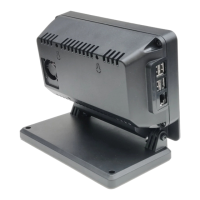
Assemble one of the white ribbon cables with the contacts facing up to the display connection on the
display board. If using the fan, connect the red jumper lead that came with the display to the 5v
connectionon the display board GPIO pins and the black jumper lead to the ground pin. Remove
the standoffs that attach the display board to the display and replace with the provided
gold screws ( circled in red ).
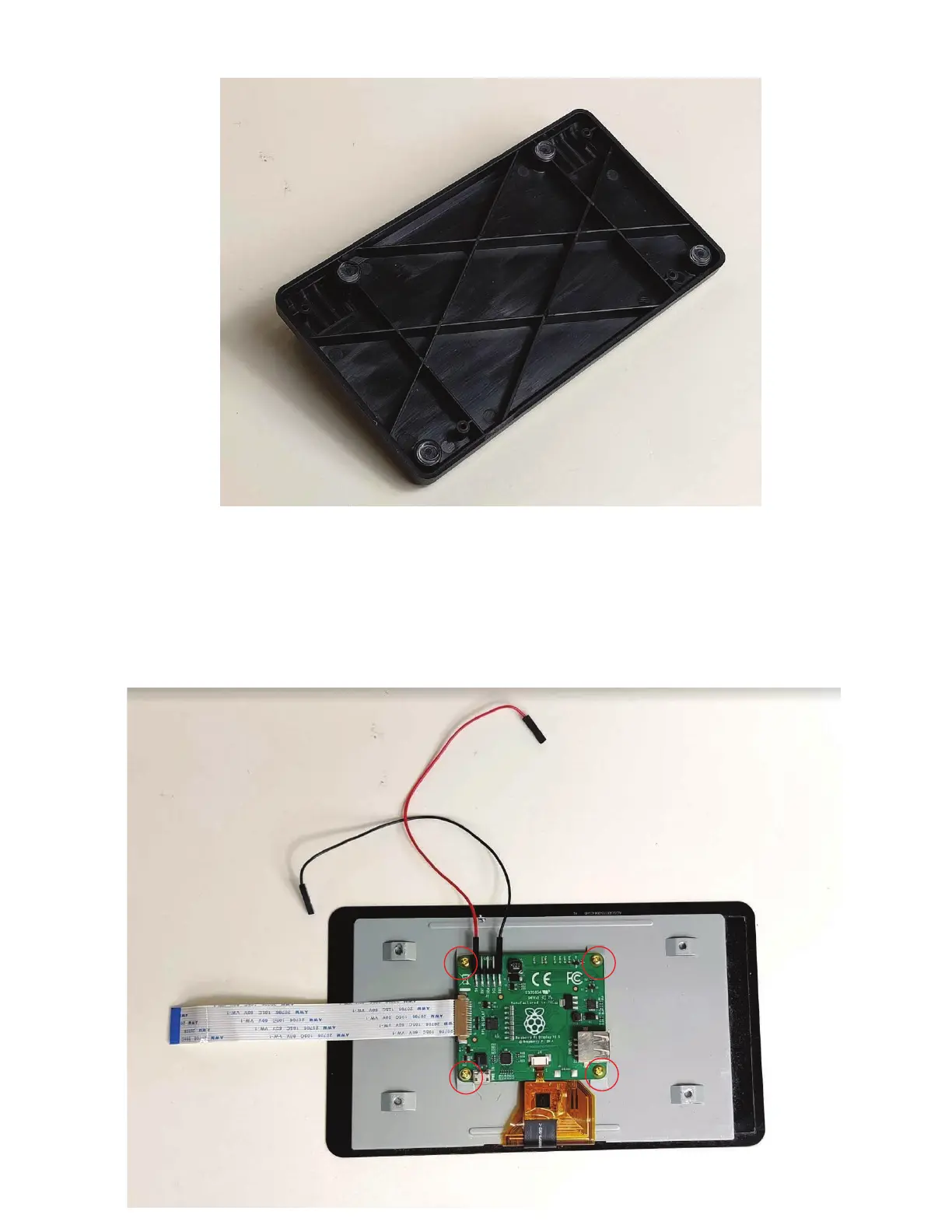
If you do not have a metal base, attached the four adhesive pads to the plastic base.


 To Next Page