Step 11
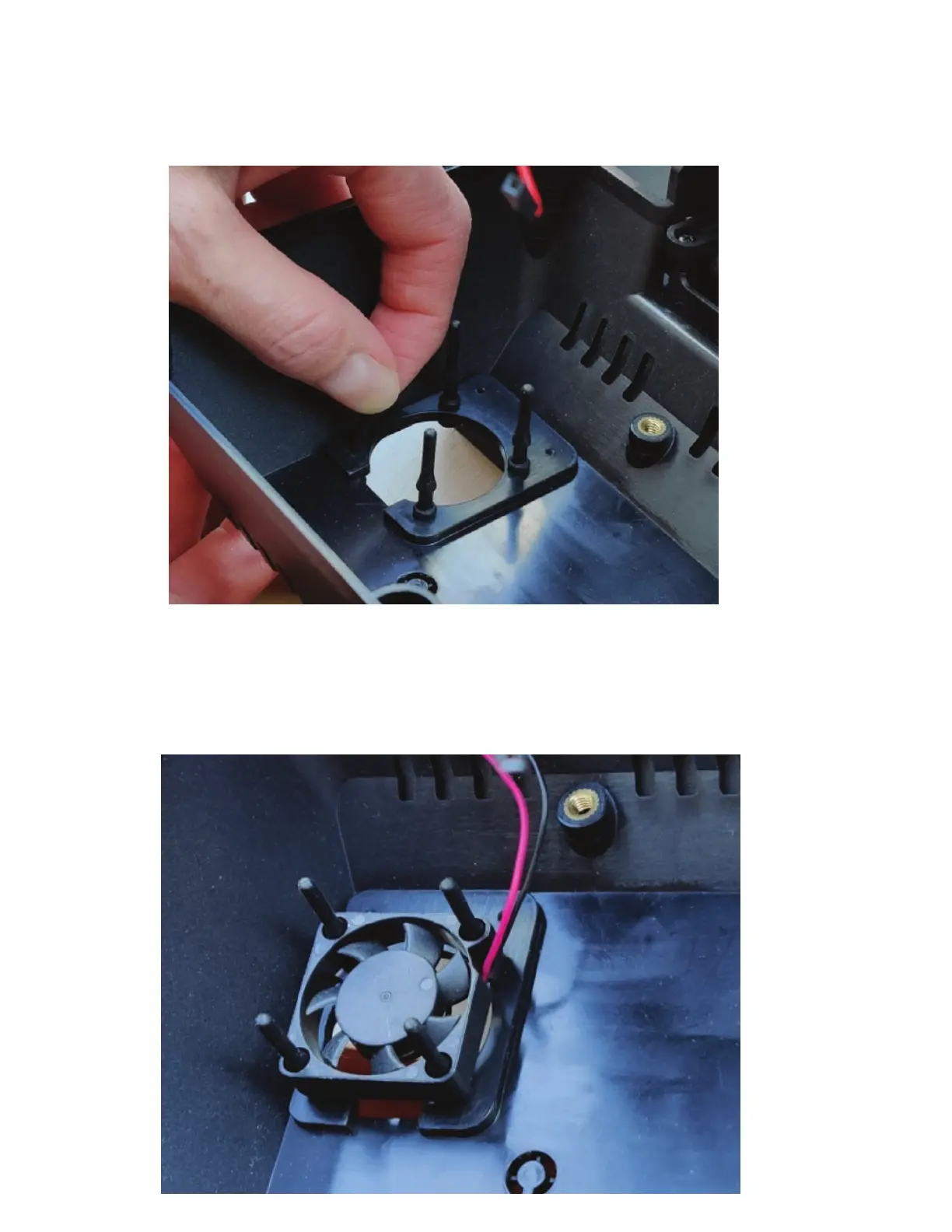
If you choose to use the fan , attached the small rubber vibration mounts to the holes in the back cover
as shown below. Push the small end of the mount through the back cover from the outside. Then pull
it through the cover as shown.
Then pull the rubbers mounts through the fan holes and pull the thin end of the mount until the
fan is mounted on the rubber mount as shown below. The fan should only be mounted in the way as
shown below.
Step 12


 To Next Page