1. 功能介绍 Function Introduction
开机 Power On:
按住功能键大约 1 秒开机。
Hold the function button for about 1 second to power on
耳机进入配对模式
The headset goes into pairing mode.
①首次开机后,耳机默认进入配对状态;
After the first boot, the headset will enter the pairing state by default
②关机状态下按住按键大约 3 秒进入配对状态。
Press and hold the button in shutdown mode for about 3 seconds to enter pairing
mode
配对连接
Pairing and Connect
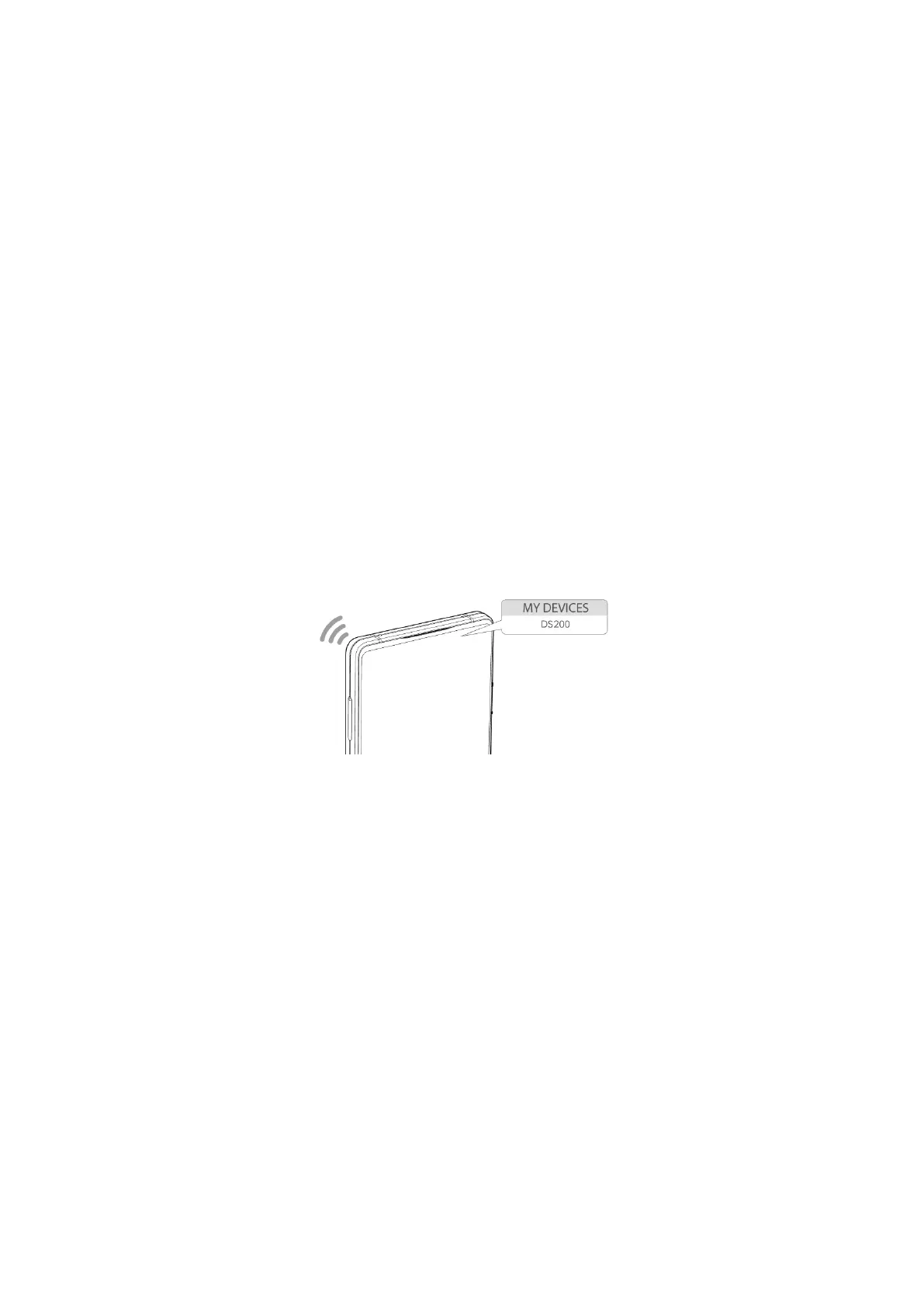
耳机进入配对模式后,打开手机蓝牙,搜索设备名称“DS200”并连接。
After the headset enters pairing mode, turn on the phone's bluetooth, search for the
device name "DS200" and connect
关机 power off:
长按功能键 3 秒,红灯亮 2 秒后关机。
Long press the function button for 3 seconds, and the red light will turn off after 2
seconds
自动重新连接
Automatic reconnection
耳机开机后,将自动连接最近一台已配对过的手机。
When the headset is turned on, it automatically connects to the most recent paired
phone
需确保手机蓝牙需处于开启状态,且耳机与手机处于蓝牙有效连接范围内。
Make sure that the bluetooth of the mobile phone is on and the earphone is within
the range of effective bluetooth connection
霍尔磁吸开关
Hall magnet switch
吸合时,耳机断开连接


 To Next Page
 Loading...