2. Fork
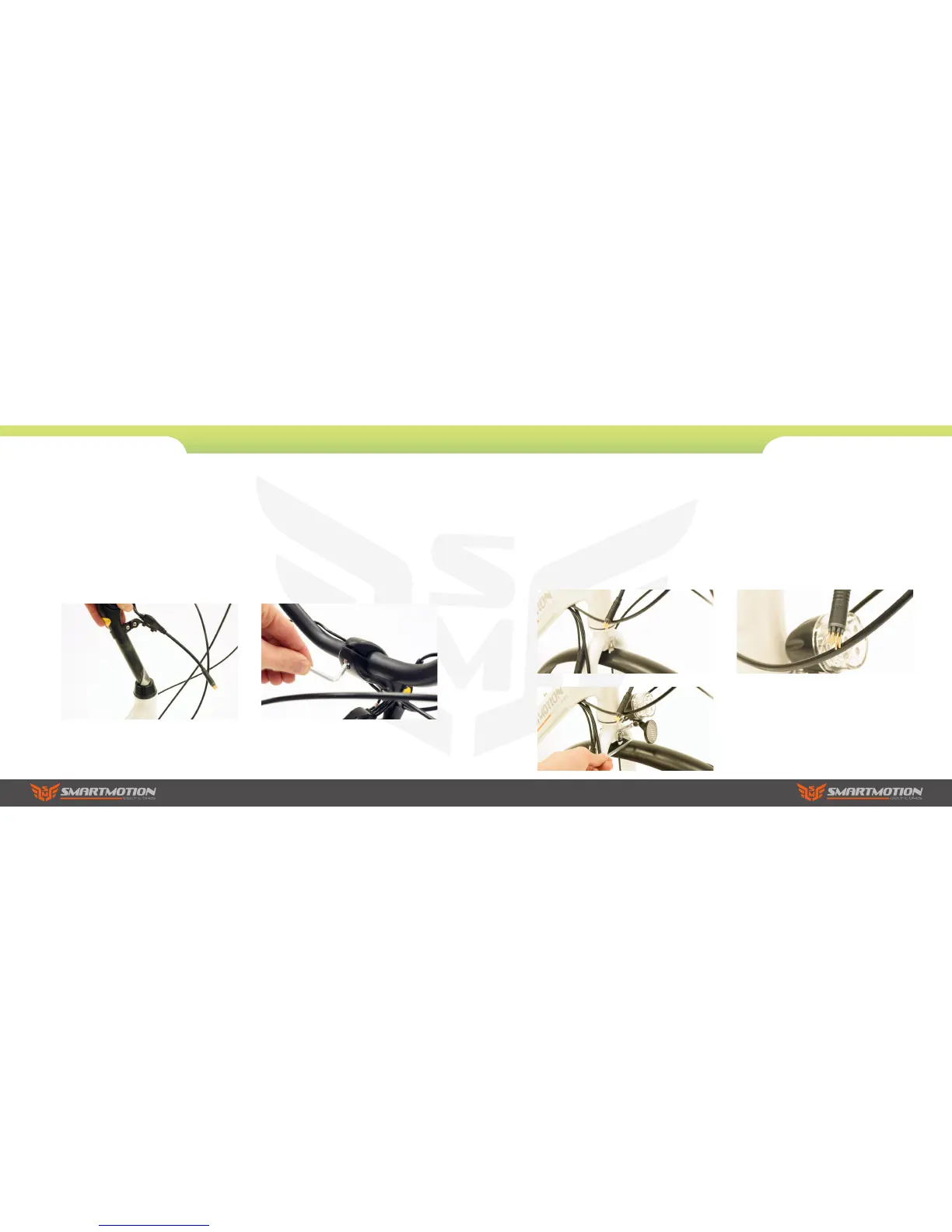
a. 3. Insert the handle bar stem into the steering
tube, turn it to align it with the forks correctly, then
fasten the centre screw using the 5mm allen key to
18-20N.M. This is a quill type stem that if set too
high can cause damage to your bicycle, decrease
your control and cause you to fall. Make sure the
Minimum-insertion mark is within the frame.
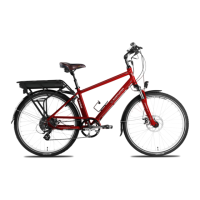
b. Loosen the handle bar angle adjusting bolt
(at the pivot point of your adjustable stem) two
or three turns then adjust the stem angle to the
position comfortable for you. Then loosen the 2
handlebar clamp bolts and rotate the handlebar to
make sure the brake lever and lcd display positions
are at the correct angle, then fasten the two bolts to
17-20N.M. Finally fasten the angle adjusting bolt to
17-20N.M
2. Assembly Instructions
Essence
3. Mudguard
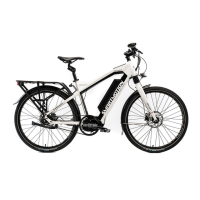
Install the front mudguard and front reflector on
the fork. Take off the bolt from the front fork, put
the front reflector bracket on the outside of the
fork then put the front mudguard bracket on. Put
the bolt through the fork, then fasten the bolt
with a 5mm allen key and 10mm spanner. Then
fasten the two mudguard stays to the forks.
4. Power Connection
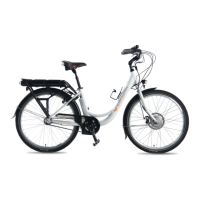
Finally connect the main cable exciting the frame
near the headtube to the handlebar components
cable, making sure the arrows align before pushing
the connectors together.
2. Assembly Instructions
Essence



 To Next Page