Troubleshooting Guide
Diagnostic:
The Command & Control Center will display certain faults that can assist a service technician
in trouble shooting a problem with the generator system. When these faults occur, the fault
message will periodically flash on the Command & Control Center, interrupting the normal
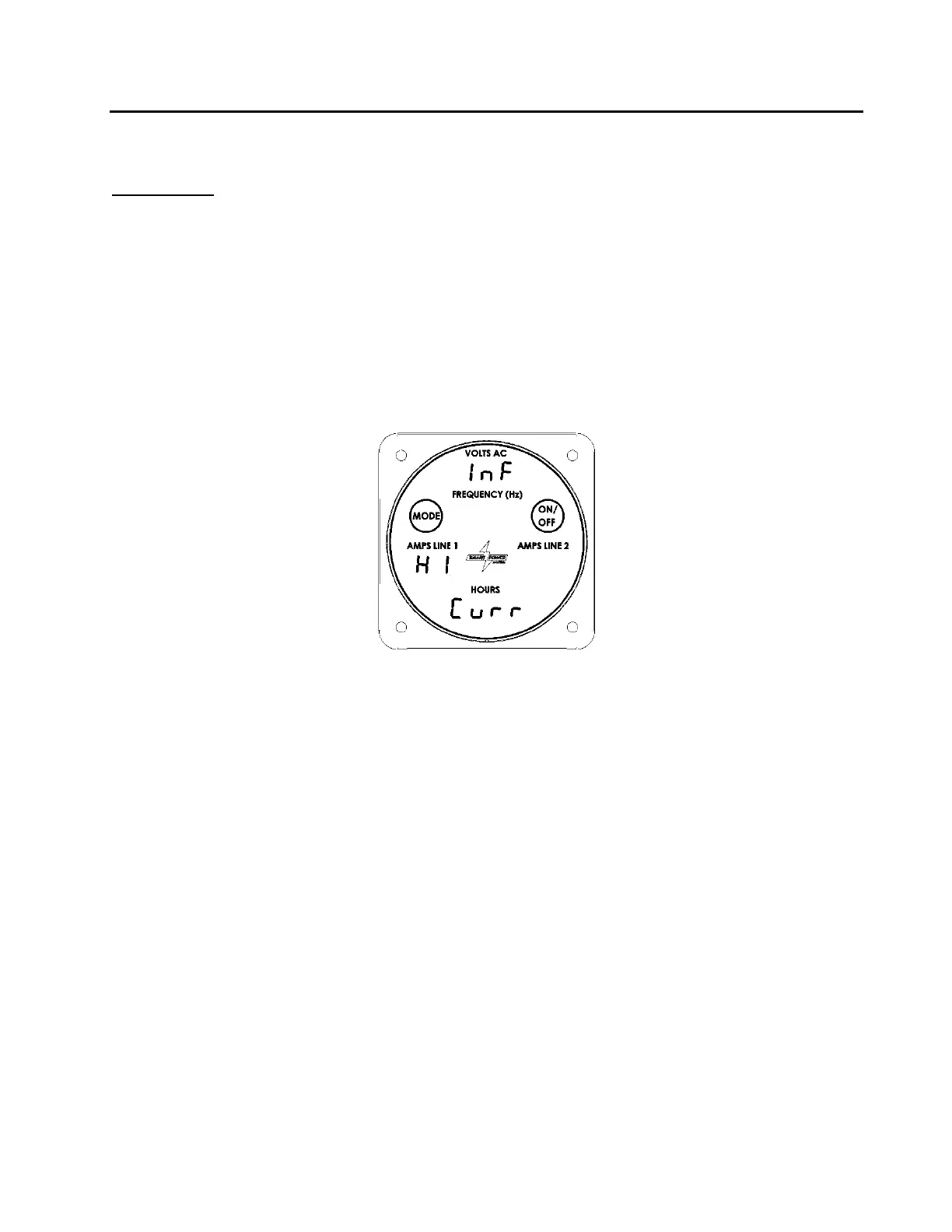
display. Reference Figure 31 for an example of an over-current fault.
The faults can also be accessed by repeatedly pressing the mode button. After displaying
the oil temperature, oil filter time, and configuration, the next display will be the first active
fault. Each time the Mode button is pressed; the next fault will be displayed. When there
are no more faults to display, the Command & Control Center will return to Normal mode.
Figure – 31 Line 1 High Current Display



 To Next Page