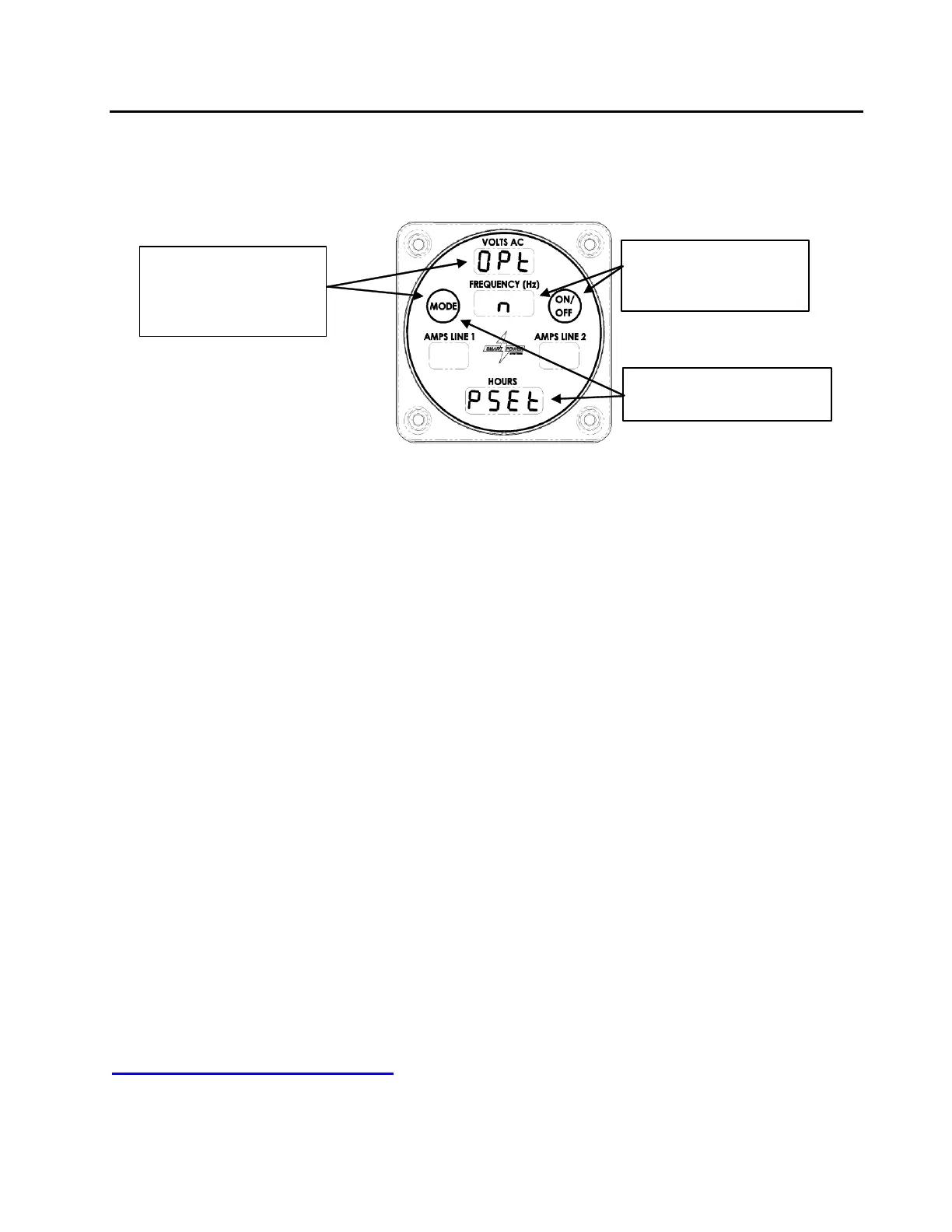
3. Disable the generator Pump Set option.
After the pump has been properly adjusted, disable the Pump Set option by performing
the following steps:
Figure 35 – Disabling Pump Set Option
a. Press and hold the Mode button until the Amps Line 1 field blinks with (more
than 10 seconds). Release the button while the Amps Line 1 field is blinking to
make appear. Reference Figure 35.
b. Press the Mode button until appears.
c. Press the On/Off button until an appears, indicating Pump Set option is inactive.
d. Put system into Normal mode by pressing the Mode button.
NOTE:
For a complete copy of Manufacturer’s Warranty please see our website at:
www.smartpower.com/warranty



 To Next Page