EasyManua.ls Logo

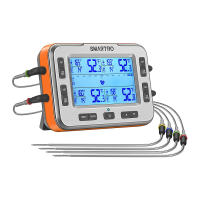
Smartro X50 - Button and Interface Introductions; X50 Main Unit (Front); X50 Main Unit Screen

Smartro X50
14 pages
Print Icon
To Next Page IconTo Next Page
To Previous Page IconTo Previous Page
Loading...
1.4 Button and Interface Introductions
3
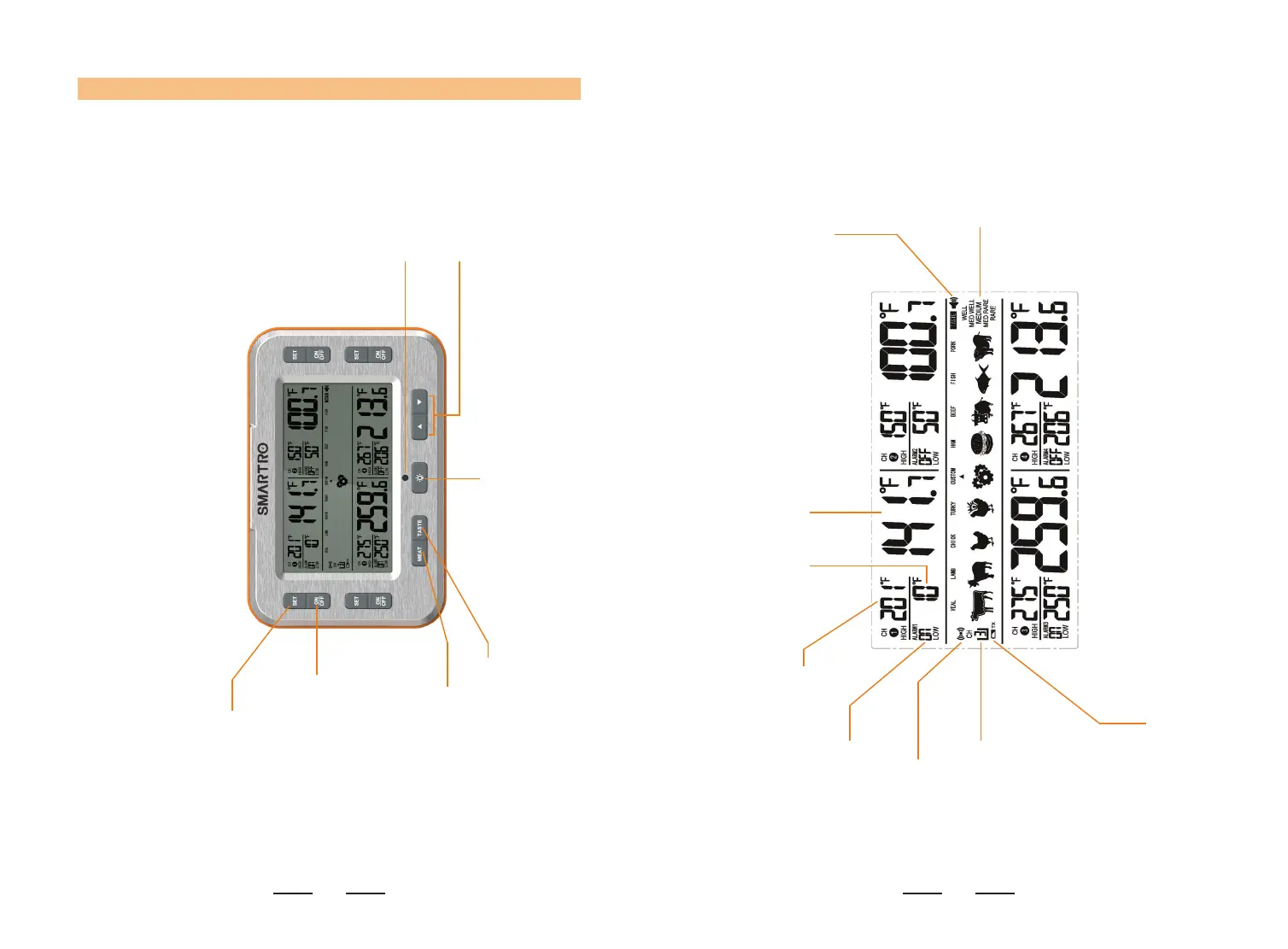
X50 Main Unit (Front)
Select channel and
set alarms.
Adjust settings while
operating.
Signal transmission
indicator.
Turn alarm function on or
o󰀨 for selected channel.
Change the meat type.
Change the doneness level. Turn backlight on.
4
X50 Main Unit Screen
Display the meat
type and doneness
selection.
Display the volume
level.
Display the current measured
temperature.
Display HIGH
ALARM setting.
Display LOW
ALARM setting.
Display the alarm
ON/OFF state.
Indicate signal
transmission is on.
Show the current
selected channel.
Main Unit low battery
alarm.