5
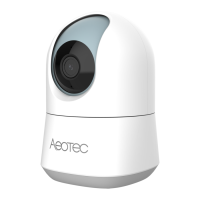
Introduction to Your Camera
Component Description
Status LED Green On: Wireless network
connected
Fast blinking of Green: Data
communication in progress
Amber On: Firmware upgrade failed.
Then the camera reboots after 5
seconds
Fast blinking of Amber: Camera
available for softAp or QR scan
Blinking of Blue and Amber: Upgrading
the firmware
Lens Fixed camera lens
IR Sensors Used for illumination
Microphones Used for conversation
Light Sensor Used to detect light



 To Next Page