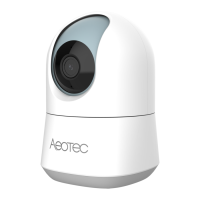
Introduction to Your Camera
6
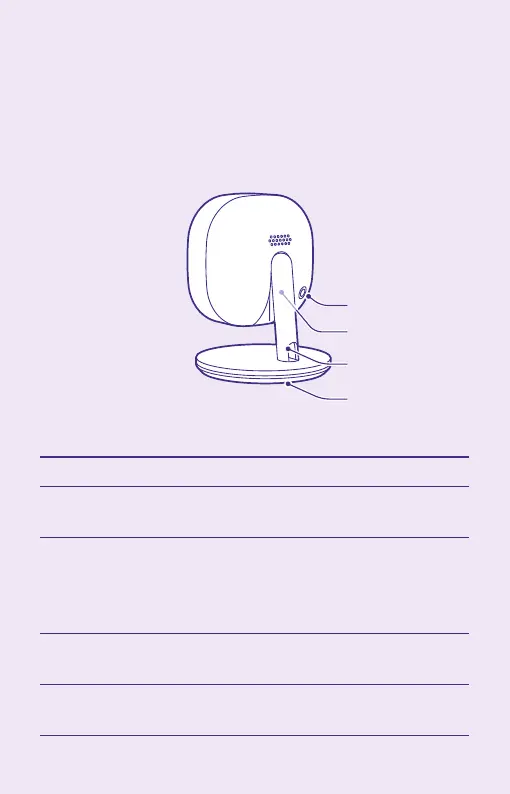
Rear panel
Power Plug
Stand
Mounting
Plate
Reset Button
Component Description
Power Plug Connect the power adapter here.
Never use other adapters
Reset Button Press for over 10 seconds to restore
the factory default settings. Then
the system reboots with the default
values.
Stand Used to support the camera on a
table or wall.
Mounting Plate Used to install the camera on a wall
after removing from the stand.



 To Next Page