Instructions for Use
4
Adjusting the height of the appliance
The appliance is equipped with four adjustable legs, so that the
height may be adjusted from 82 to 90 cm. The height must be
adjusted prior building the appliance into the opening slot, and
it should be set at such height that the top panel of the
appliance fits exactly below the kitchen worktop (see Mounting
Instructions).
Description of the Appliance
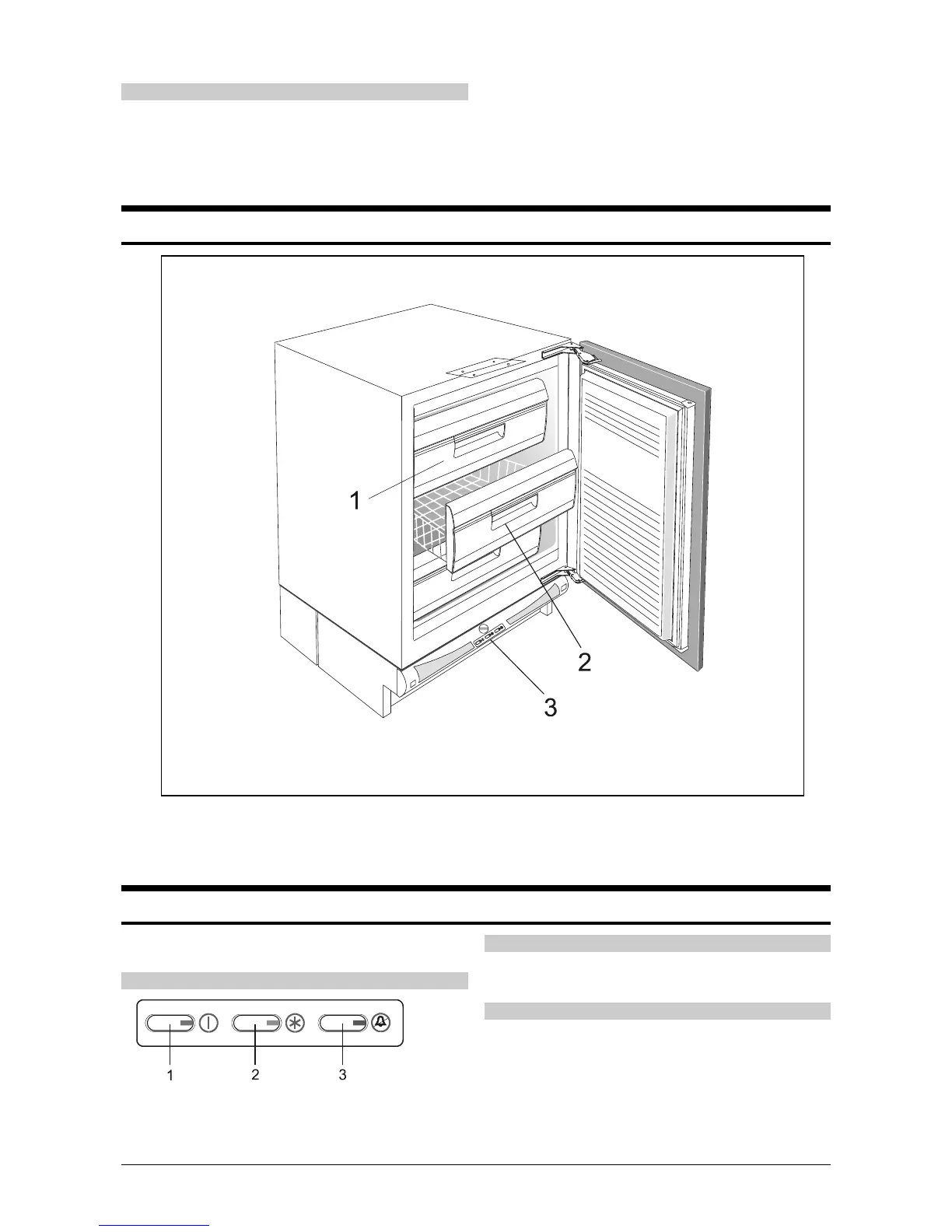
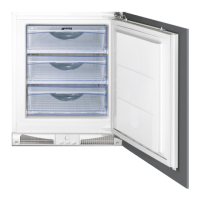
Freezing Compartment (1)
is used for freezing fresh foods.
Storing Basket (2)
is used for storing packages of frozen foods.
Control Panel (3)
See Operation Controls
Operation Control
The freezer is controlled with switches and thermostat button,
incorporated in the bottom section of the appliance.
Control panel
1 ON/OFF switch (green signal lamp)
2 Continued operation button (yellow signal lamp)
3 Alarm off button (red signal lamp)
ON/OFF Switch (1)
The appliance is switched on - the green light is on.
The appliance is switched off - the green light is off.
Continued operation button (2)
This switch is used to select one of the two operation modes:
continuous and automatic.
Continuous operation - the yellow light is on.
The cooling system operates continuously. This mode is
selected when you want to freeze large amounts of fresh foods
and in case you want to deep freeze already frozen foods.


 To Next Page