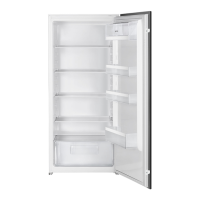
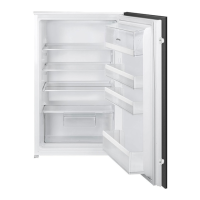
Do not move the glass shelf
above the vegetable drawer to
ensure correct air circulation.
Fan function
The Fan function lets the food cool quickly
and keeps more uniform temperature in
the compartment.
Switch on the Fan when the
ambient temperature exceeds
25°C.
Press the switch (A) to switch on the fan.
The green light (B) comes on.
When you switch off the
appliance remember to turn off
the fan by pressing the button
(A). The green light (B) comes
off.
Temperature indicator
For proper storage of food the refrigerator
is equipped with the temperature indicator.
The symbol on the side wall of the
appliance indicates the coldest area in the
refrigerator.
If OK is displayed (A), put fresh food into
area indicated by symbol, if not (B), adjust
the temperature controller to a colder
setting and wait 12 hours before checking
the temperature indicator again.
After putting fresh food into the
appliance or after opening the
door repeatedly or for a long
period, it is normal for the
indicator not to show OK. Wait
at least 12 hours before
readjusting the temperature
controller.
HINTS AND TIPS
Normal operating sounds
The following sounds are normal during
operation:
• A faint gurgling and bubbling sound
from coils sound when refrigerant is
pumped.
• A whirring and pulsating sound from
the compressor when refrigerant is
pumped.
• A sudden cracking noise from inside
appliance caused by thermic dilatation
(a natural and not dangerous physical
phenomenon).
22



 To Next Page
 Loading...