Use
101
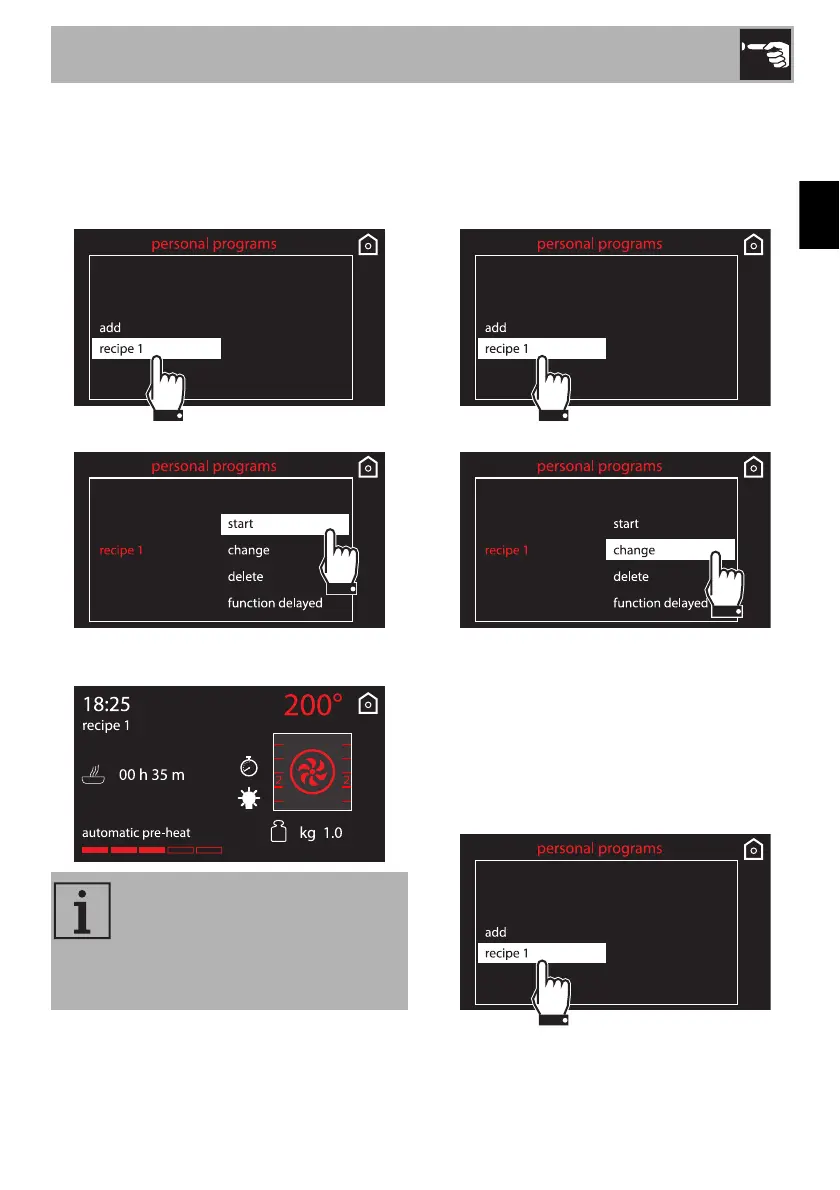
Starting a personal recipe
1. Select a previously saved personal
recipe from the “personal recipes” menu
(in the example the recipe, recipe 1, has
been saved).
2. Select the start option.
3. Cooking will start with the parameters
previously set for the recipe.
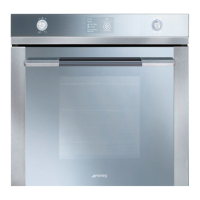
Changing a personal recipe
1. Select a previously saved personal
recipe from the “personal recipes” menu
(in the example the recipe, recipe 1 has
been saved).
2. Select the change option.
3. Repeat the same steps, starting at point 2
of the chapter “Adding a recipe”.
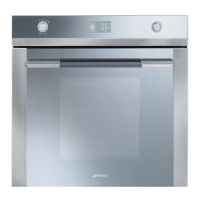
Deleting a personal recipe
1. Select a previously saved personal
recipe from the “personal recipes” menu
(in the example the recipe recipe 1 has
been saved).
During cooking it is always
possible to modify the temperature
and cooking time, but this will not
be saved to the recipe for future
use.



 To Next Page