Use
66
At least one cooking zone must be active in
order for the Clean function to be used:
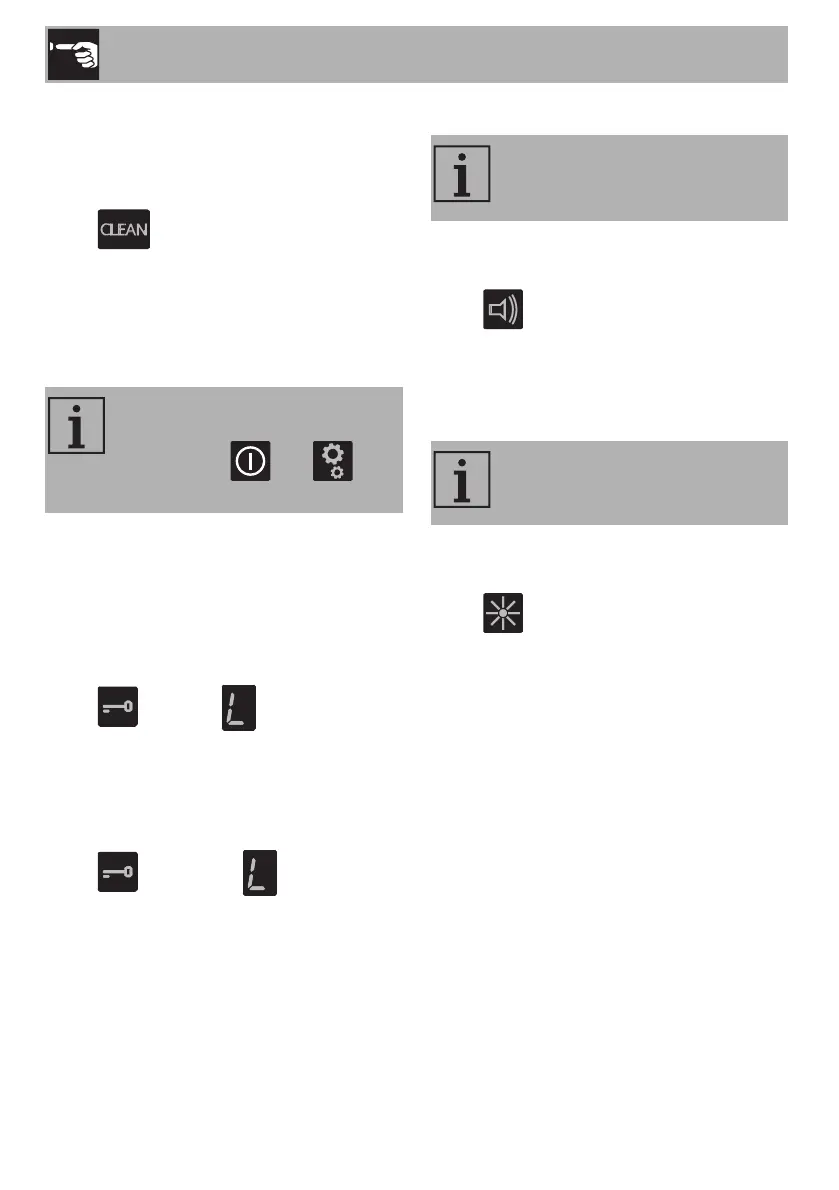
1. Access the settings menu.
2. Press the segment of the scroll bar below
the icon.
3. A 15-second countdown appears on the
timer display, after which the appliance
resumes with the previous settings.
Controls lock
This is useful when cleaning the appliance
and to prevent functions being activated by
mistake.
To activate the control lock:
1. Access the settings menu.
2. Press the segment of the scroll bar below
the icon. The symbol appears
on the display of all the cooking zones.
To deactivate the control lock:
1. Access the settings menu.
2. Press the segment of the scroll bar below
the icon. All the symbols
disappear.
Button sound volume
1. Access the settings menu.
2. Press the segment of the scroll bar below
the icon.
3. Use the scroll bar to select the required
volume.
Display lighting
1. Access the settings menu.
2. Press the segment of the scroll bar below
the icon.
3. Use the scroll bar to select the required
level of brightness.
This function allows you to disable
all the buttons of the appliance,
except for the and
buttons.
Allows you to adjust the volume of
the sounds associated with
pressing the buttons.
Allows you to adjust the brightness
of the displays.



 To Next Page