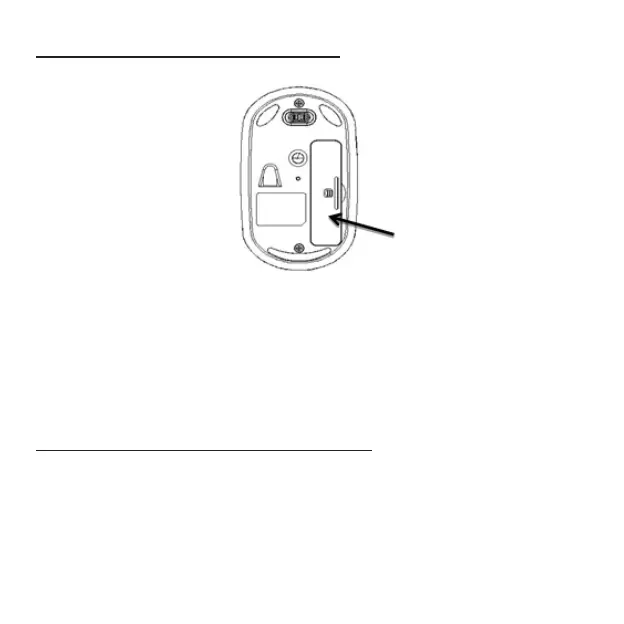
Installing Batteries (Supplied)
• Remove the battery cover.
• Insert the two supplied AAA Alkaline batteries (included in the package)
into the battery slots. Make sure the positive (+) and negative (-) ends of
the batteries match the polarity markings inside the battery compartment.
• Snap the battery cover back into position.
Setting up Bluetooth Connection
• You are now ready to connect the mouse to work with your Bluetooth
system. Turn on the power by sliding the on/off switch located at the bottom
of the mouse to the “on” position. The optical sensor lights up.
Page 4
Battery Cover



 To Next Page