• Before you can use Bluetooth device for the rst time you must connect
your device through a standard process of discovery and pairing.
• During the process, depending on the system and the
Bluetooth software installed, it may ask you whether you
want to use a passkey; please select “no passkey”.
• The SMK-Link Bluetooth Notebook Mouse is designed to
work with all Bluetooth software stack (protocol) standards. In
addition, this mouse supports Macintosh OS with Bluetooth-HID
capability. Please review the documentation that came with your
computer system, or consult with your system vendor’s Technical
Support for any specics regarding your Bluetooth system.
Page 5
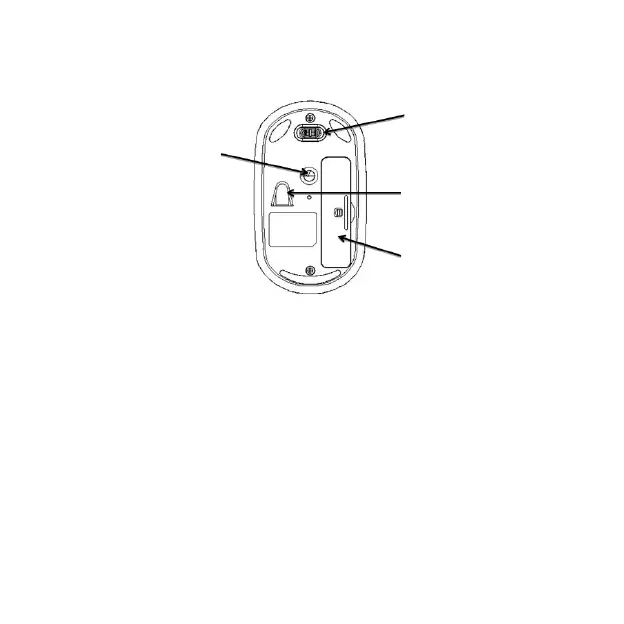
Connect button
On / Off switch
High Precision
Optical Sensor
Battery Cover



 To Next Page