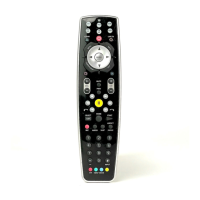
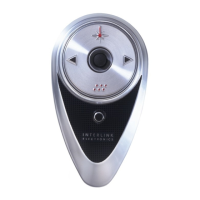
Need help?
Do you have a question about the SMK-Link VP3720 and is the answer not in the manual?
This device complies with Part 15 of the FCC Rules, subject to two conditions regarding interference.
Equipment tested for Class B digital device limits to provide protection against harmful interference in residential installations.
Indicates compliance with Industry Canada technical specifications based on the 'IC' prefix.
Declares product compliance with essential requirements of Directive 1999/5/EC, with trademarks belonging to respective owners.
Instructions for inserting two AA batteries into the remote control, including cover replacement.
Steps to test and enter five-digit library codes for projector control, including status LED feedback.
Procedure for copying functions from an original remote by placing remotes end-to-end and pressing keys.
Method to search the database for a compatible projector code when direct entry fails, involving specific button presses.
Using Menu, Zoom +/-, and Select keys to search, store, or cancel code search for projector compatibility.
Steps to display the current library code by pressing Select twice after holding Up and Down arrows.
Procedure to reset the remote to factory defaults by pressing Off and Reset keys after holding Up and Down arrows.
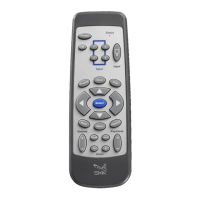
Description of key buttons like Power, Off, Input, Menu, Select, Back, and navigation arrows.
Explanation of Hide, Aspect, Volume, Mute, Freeze, Reset, Auto, Keystone, and Zoom button operations.
Comprehensive list of library codes for various projector brands, organized alphabetically.
 General
| Brand | SMK-Link |
|---|---|
| Model | VP3720 |
| Category | Remote Control |
| Type | Universal Remote |
| Power Source | 2 x AAA batteries |
| Operating Range | Up to 30 feet |
| Connectivity Technology | Infrared |
| Buttons | Power, Volume, Channel, Mute, Navigation, Menu |
| Connectivity | Infrared (IR) |

 To Next Page