8
DOUBLE SAFEGUARDING
VALUABLE PAPERS
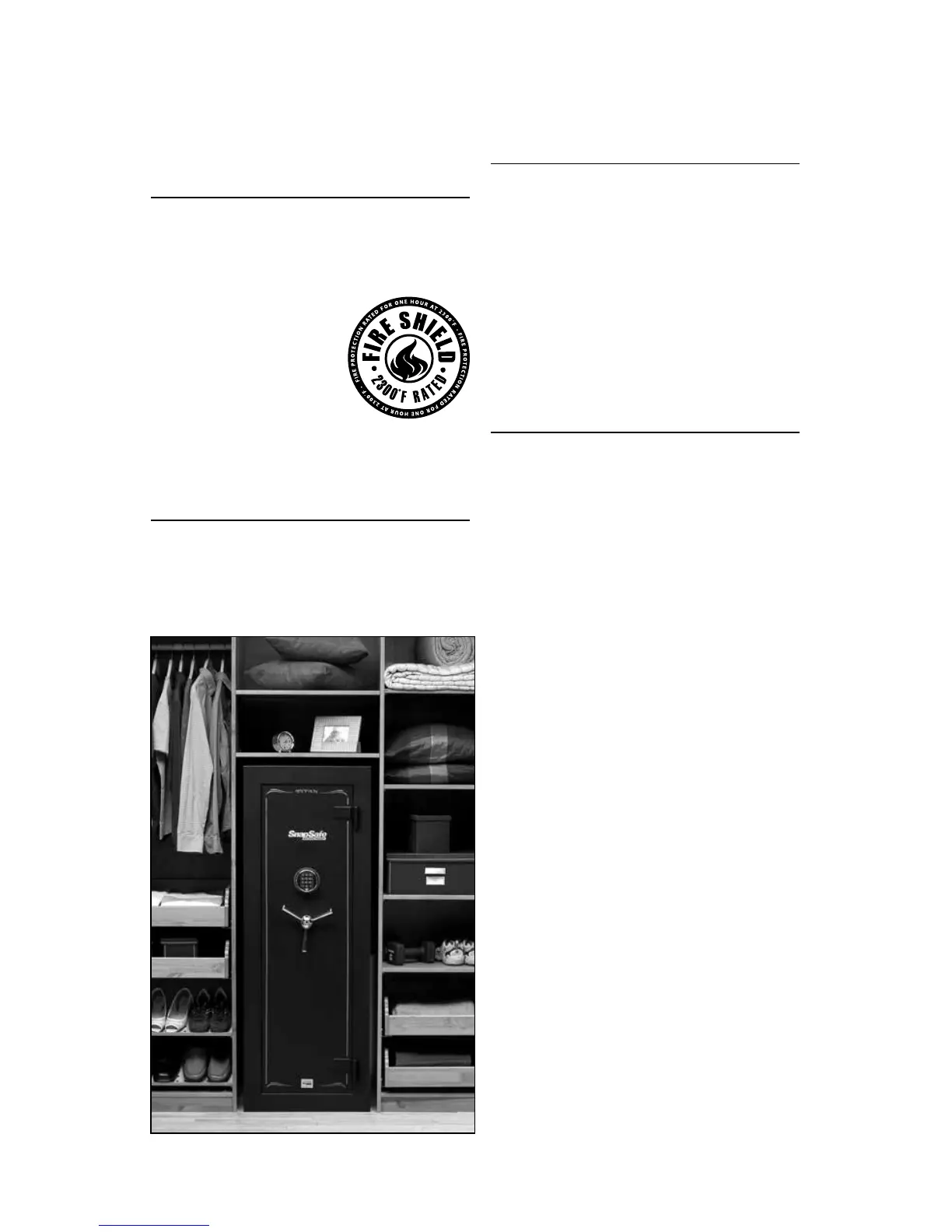
Your SnapSafe Titan’s Fire Shield
blankets are rated at 2300ºF for one
hour. However, we recommend that
if you are going to be putting
important papers in
the vault, you first put
it in a fire resistant
document box, and
then put it in the vault.
BOLTING DOWN
YOUR VAULT
We recommend bolting your vault to
the floor using two ¼" wedge anchor
concrete bolts through the predrilled
holes in the BOTTOM of the vault.
LOW BATTERY ALERT
Your lock has a “Low Battery
Alert.” If the Entry Keypad beeps
repeatedly during an unlocking, the
battery is low and needs immediate
replacement.
INSTALLING AND
REPLACING ENTRY
KEYPAD BATTERY
Your vault is equipped with an
electronic lock made with non-volatile
memory, meaning your combination
code is retained even if the batteries
are no longer powering the lock.
If this happens, simply replace the
batteries.
Install only a high-quality alkaline
battery in the compartment in the
back of the Entry Keypad following
these steps.
1. Remove Entry Keypad. Slide it up
and carefully pull it away from the
vault door.
(Fig.1)
Note: Do not pull the Keypad as too
much force may damage the cable.
2. Snap new battery into the
connector clip, and slide it into the
battery compartment top down so
that the wires will not be pinched
between the battery and the vault
door.
(Fig.2)
3. Fold the connection cable inside
the Keypad
(Fig.3)
4. Position the Keypad over the
mounting screws, and slide it down
into position.
Note: Make sure the connection cable
is not trapped between the Keypad
and the door or rubs or tangles on
the mounting screws. (Fig.4)



 To Next Page
 Loading...