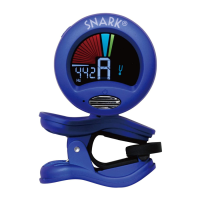
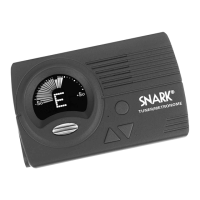
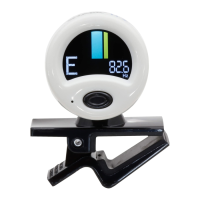
CAUTION: INSTRUMENT FINISHES. READ
THIS BEFORE USING THE SNARK TUNER.
The general rule is: Do not leave any item
attached to your instrument longer than
necessary. We recommend you remove the
Snark tuner from your instrument as soon as
you finish tuning. Please be aware that any
lacquer type finish can be adversely affected
if the rubber pad of tuner is left in contact with
the finish for a period of time.
Some finishes are more likely to be
damaged by attaching a tuner to them, hence
it is important that you DET ERMINE WHAT
FINISH IS USED ON YOUR INSTRUMENT...
BEFORE using the SNARK.
SNARK advises NOT to use its tuner with
any instruments having these types of
finishes: Nitrocellulose Lacquer,
Polyurethane, French Polish, Oil Finish or
Gibson
®
guitars which have nitrocellulose
finishes unless you accept the risk of dents to
the headstock. We recommend using the
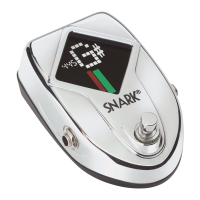
Snark SN-10 pedal tuner instead of the Snark
clip on tuners for these guitars and finishes.
Please do not leave the Snark attached to
your instrument if your instrument will be
sitting in direct sunlight.
ATTACHING THE TUNER TO
YOUR INSTRUMENT
Use the clamp to attach the Snark to your
instrument. Take care to avoid damaging the
finish of your instrument. Do not attach the
tuner to your instrument if any of the rubber
pads are broken or missing.
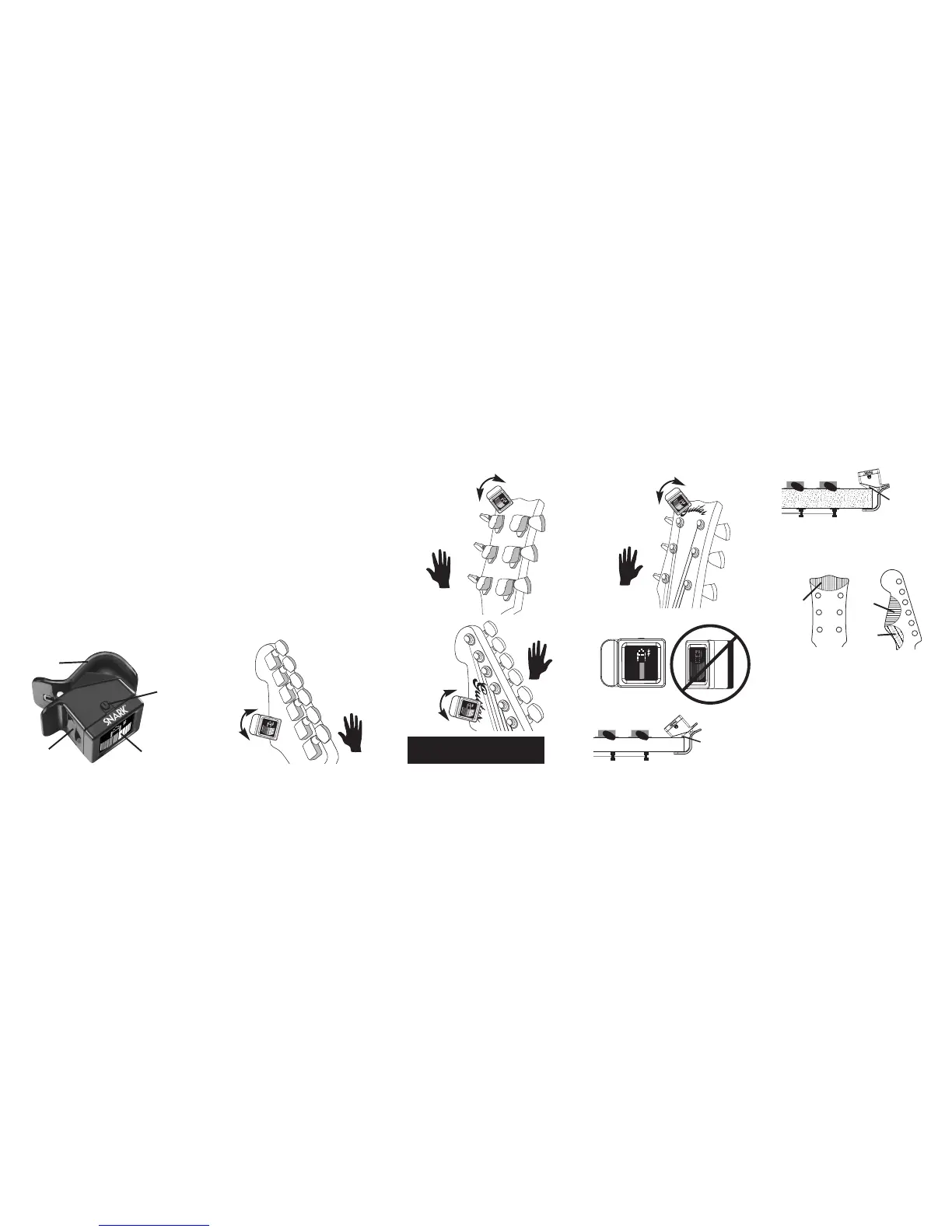
Attach the clamp to the headstock
placing the body of the tuner behind the
headstock (or in front of the headstock for
left-handed players).
Orient the tuner so the display is
horizontal from your view position. Here are
some
suggested
ways to
position
your
Snark.
HEADSTOCK “SWEET SPOT” FOR
BEST TUNING
Placing Snark in the “best” location
marked on attached will give the best tuning
results.
POWER UP
Once you have attached the Snark to your
instrument, turn it on by pressing the power
switch on the side of the tuner.
TUNING
The Snark is now ready to help you tune
your instrument. As soon as you play a note,
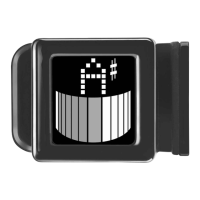
the Snark’s color display will indicate the note
you are playing and how close to pitch you
are. The left side of the display (red) indicates
flat, the right of the display (yellow) indicates
sharp.
LCD
Power
Instrument
Clamp
Battery
Door
For standard
thickness
headstocks
For thicker
headstocks
Best
Best
Good
Rotate
for Best
view
Rotate
for Best
view
“6 In Line”
Headstock
(Left Hand
Player.
Mounts to
Front of
Headstock)
Rotate
for Best
view
“3 Per Side”
Headstock
(Left Hand
Player.
Mounts to
Front of
Headstock)
Rotate
for Best
view
✓ Correct
R
R
“6 In Line”
Headstock
(Right Hand
Player.
Mounts to
Back of
Head-
stock)
L
L
Adjust your Snark so the screen
faces you you directly.
“3 Per Side”
Headstock
(Right Hand
Player.
Mounts to
Back of
Headstock)
More about mounting your Snark at:
GOSNARK.COM


 To Previous Page
 Loading...