EasyManua.ls Logo

SNBC BTP-L580 - User Manual

SNBC BTP-L580
41 pages
Print Icon
To Next Page IconTo Next Page
Loading...
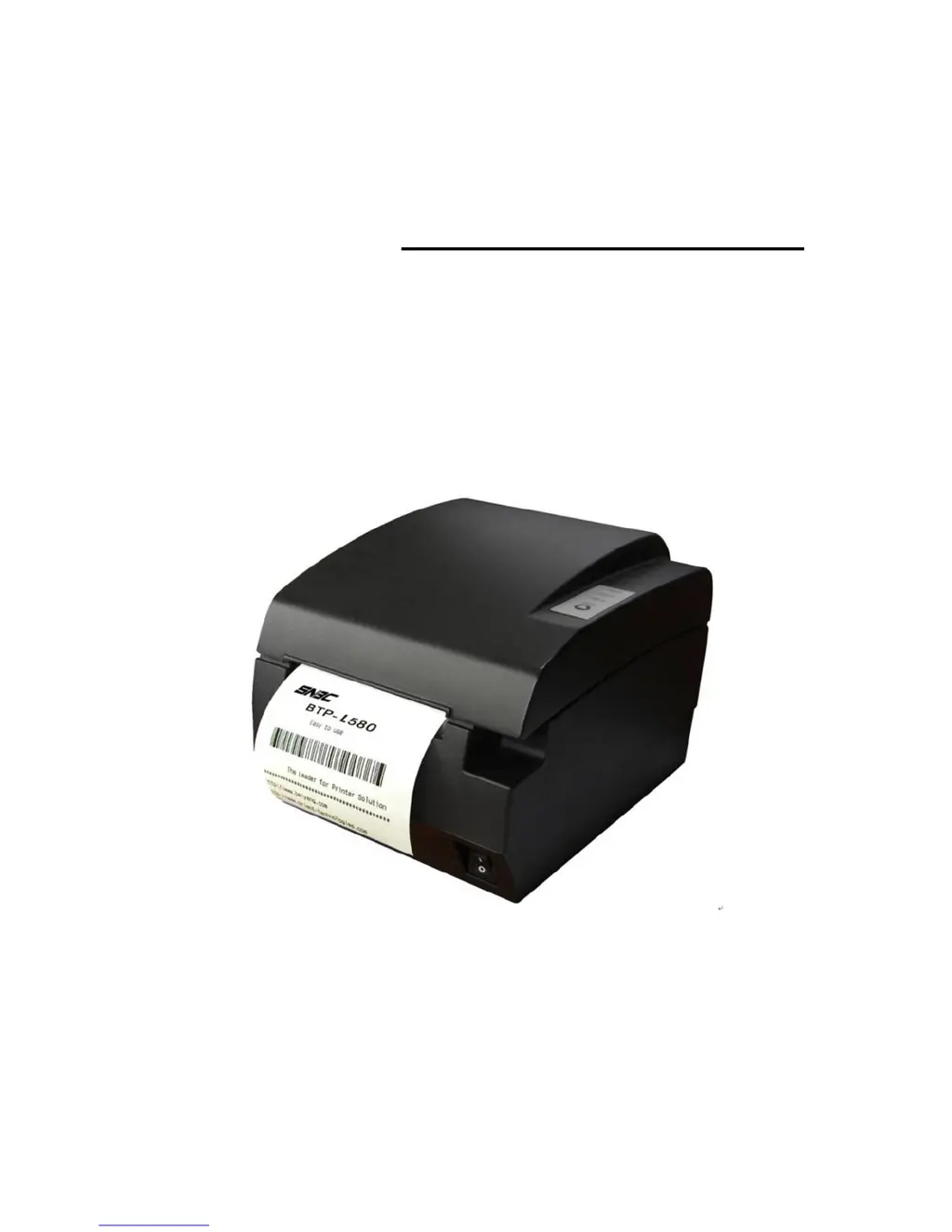
USER’S MANUAL
Label Printer
BTP-L580
Shandong New Beiyang Information Technology Co., Ltd.

Questions and Answers

  • V
    Vanessa SantiagoJul 29, 2025
    How to fix SNBC Label Maker when it doesn't work?
    • W
      wkellerJul 30, 2025
      If your SNBC Label Maker doesn't work, first ensure the printer is connected to a power source and turned on. If the issue persists and you suspect a damaged circuit board, it's best to contact SNBC or your supplier for assistance.
  • D
    Dawn StephensAug 2, 2025
    What to do if alarm LED flashes and buzzer sounds on SNBC BTP-L580 Label Maker?
    • B
      Brandon GonzalesAug 2, 2025
      If the alarm LED flashes and the buzzer sounds on your SNBC Label Maker, the issue could stem from several causes. First, turn off the printer and check the input voltage. It could also mean that the print head is overheated; in that case, turn off the printer and allow the print head temperature to return to normal. Another potential reason is a cutter error, which requires cutter resetting. Also, the printer might not be able to identify the label, so you should perform a paper checkout after solving any button issues and then calibrate the paper again. Finally, a serious fault could be the cause, in which case you should contact your dealer.
  • A
    Allison PenaAug 7, 2025
    How to fix SNBC Label Maker when paper cannot be fed out properly?
    • S
      Shawn TaylorAug 7, 2025
      If your SNBC Label Maker is not feeding paper properly, the most likely cause is a paper jam. To resolve this, open the top cover and carefully check the paper path to remove any jammed paper.
  • B
    Benjamin EspinozaAug 11, 2025
    What to do if printout is not clear or has dirt on SNBC Label Maker?
    • P
      Phillip GonzalezAug 11, 2025
      If the printout from your SNBC Label Maker is not clear or has dirt, the print head or platen is likely dirty. Clean the print head or platen to resolve this issue.
  • R
    robinrussellAug 15, 2025
    Why is the printout light on my SNBC BTP-L580?
    • D
      Dennis FieldsAug 15, 2025
      If the printout from your SNBC Label Maker is light, it could indicate that the print head is damaged. You should replace the print head.
  • J
    Jacqueline WebbAug 20, 2025
    What to do if paper LED is on and buzzer sounds on SNBC Label Maker?
    • E
      Elizabeth AlvarezAug 20, 2025
      If the Paper LED is on and the buzzer sounds on your SNBC Label Maker, it means the paper roll has run out. Replace it with a new paper roll to continue printing.
  • N
    Nicole RhodesAug 25, 2025
    What to do if cutter does not return to its home-position in SNBC BTP-L580 Label Maker?
    • M
      Mrs. Christy Mccarthy PhDAug 25, 2025
      To address this issue with your SNBC Label Maker, open the top cover and switch on the printer. This action forces the moving blade to reset and return to its home-position.

Summary

General Safety Instructions

Safety and Operational Precautions

Covers warnings about the cutter, hot print head, ESD sensitivity, and operational guidelines for safe use.

Main Printer Specifications

Detailed Technical Specifications

Details technical parameters like print method, resolution, speed, width, memory, and interfaces.

Printer Outline and Parts Identification

Error LED and Buzzer Status Details

Details LED status, buzzer sounds for various error conditions like overheating, paper end, and cutter errors.

Printer Installation Guide

Printer Placement and Setup

Covers requirements for printer placement, grounding, and necessary clearance for operation and maintenance.

Connecting the Power Adapter

Step-by-step guide on how to connect the power adapter to the printer and secure the cable.

Connecting Interface Cables

Instructions for connecting interface cables (Serial, Parallel, USB) to the printer and host device.

Paper Roll Loading Procedure

Guidance on confirming paper type and loading or replacing the label roll into the printer.

Routine Printer Maintenance

Troubleshooting Common Issues

Printer Power and Operation Problems

Addresses issues where the printer is off or the Power LED is off, with possible causes and solutions.

Error Indicators and Buzzer Sounds

Explains meanings of LEDs and buzzer sounds for various error conditions like overheating, paper end, and cutter errors.

Printing Quality Problems

Covers issues like light printout or unclear print, suggesting print head or platen cleaning/replacement.

FEED Button Configuration Guide

Parameter Setting Process via FEED Button

Outlines the step-by-step process for configuring printer parameters using the FEED button.

SNBC BTP-L580 Specifications

General IconGeneral
BrandSNBC
ModelBTP-L580
CategoryLabel Maker
LanguageEnglish