v2018005_e
3
A230 DECT USB-Stick
Using
Accepting calls
1. On the phone, select headset mode. NOTE: The C52SP does not ring until headset mode is selected.
2. You can accept a call ringing on the phone on the headset or on the speakerphone, respectively.
• On the A170/A150 headset, press the call button with LED.
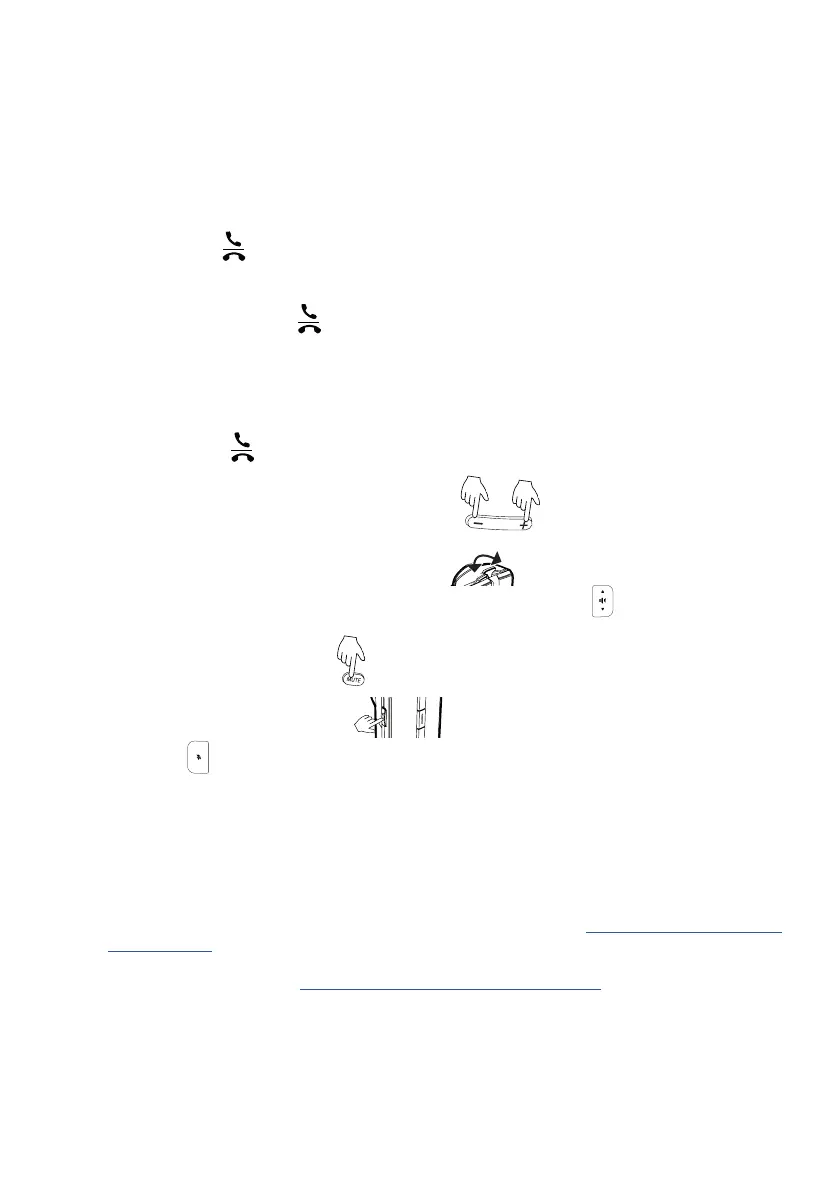
• On the C52SP, press
.
Switching between headset and C52SP while in a call
• From headset to C52SP: Press
on the C52SP.
• From C52SP to headset: Press the call button with LED on the headset.
Ending calls
• On the A170/A150 Headset press the call button with LED.
• On the C52-SP press
.
Adjusting the volume
• A150: Press the respective end of the volume key.
• A170: Push the lever towards the + or - symbols.
• C52-SP: Press the upper or lower edge, respectively, of the volume key.
Muting and unmuting the microphone
• A150: Press the key labeled "MUTE".
• A170: Press the key labeled "MUTE".
• C52-SP: Press
.
Where to find the user guides of the headsets A170 and A150 and the speakerphone C52-SP:
C52-SP: On page 50 of the C520 Wi-Mi user manual, available for download at http://wiki.snom.com/C520/
Documentation)
Headsets: Available for download at http://wiki.snom.com/Accessories/Headset.
© 2018 Snom Technology GmbH. All Rights Reserved.
Snom is a registered trademark of Snom Technology GmbH in the European Union, USA, Japan, China and certain other countries and regions.
Unless specified otherwise, all trademarks, in particular product names, are legally protected trademarks of Snom Technology GmbH. Other
mentioned trademarks or registered trademarks are the property of their respective manufacturers or owners. Product specifications are sub-
ject to change without notice. We do not accept liability for printing errors and mistakes. snom.com
or
Vol +
Vol –


 To Previous Page
 Loading...
