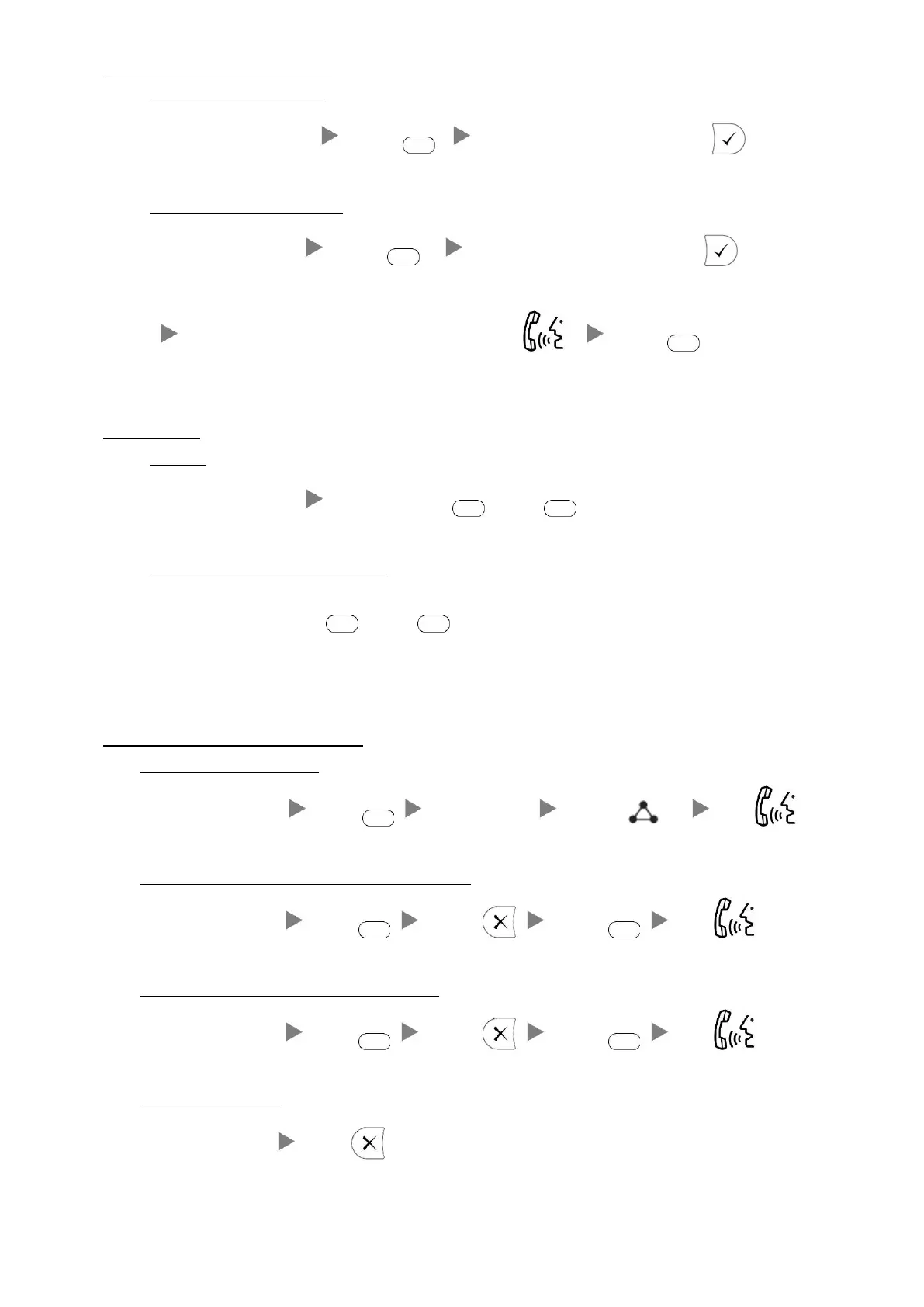
3. Transferring a Call / Call Transfer
i. Blind / Unattended Transfer
During a conservation Press Dial Extension Number and Press
ii. Supervised / Attended Transfer
During a conservation Press Dial Extension Number and Press
inform the 3
rd
party about the call you are transferring Press twice
4. Holding a Call
i. To Hold`
During a conservation Press Lighting or
ii. To Retrieve a call (Call Hold retrieve)
Press Flashing Line Key or
5. Making a conference (Conference Call)
i. To Establish a Conference
During a conservation Press Dial to 3
rd
Party Press Talk
ii. To Leave a conference and talk to the original person
During a conference Press Press Press Talk
iii. To Leave a conference and talk to the 3
rd
person
During a conference Press Press Press Talk
iv. To Leave a conference
During a conference Press



 To Next Page