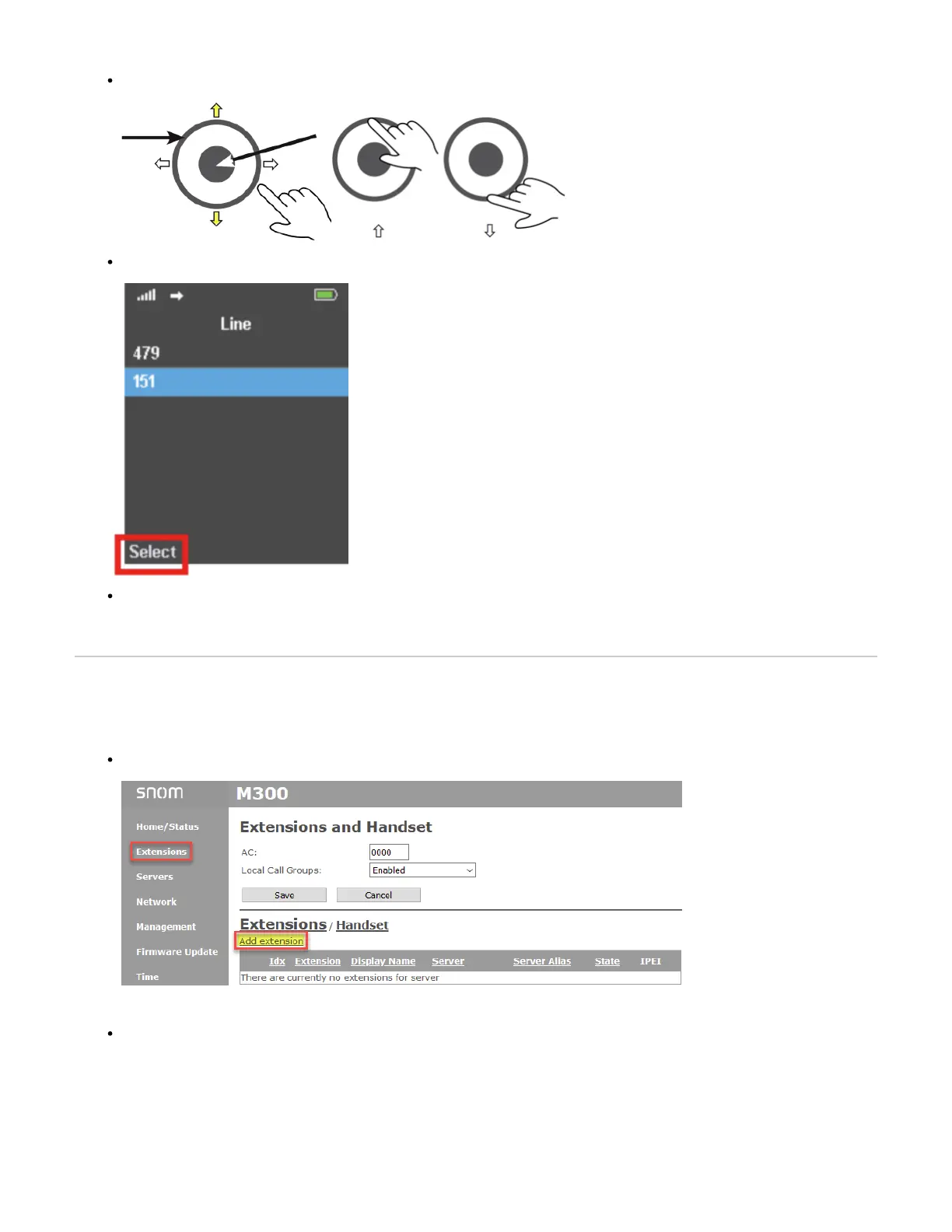
On the handset press the and press the (up and down) to select the " " option Menu key Settings Menu key Line
You should now see the available for that handsetSIP extensions
The listed extensions are active for inbound calls, but for the purpose of making outbound calls, you can select the primary SIP extension/line in
this menu.
On the M300
Create the SIP Extension and assign it to a handset
Login to the Web user interface and navigate to Extensions Add Extensions
On the “ ” screen you can create the and assign it to any of the available DECT registered handset Add extension SIP Extension Indexes



 To Next Page