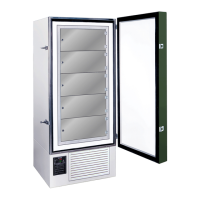
FDC nCompass
VERSION 6.1.17
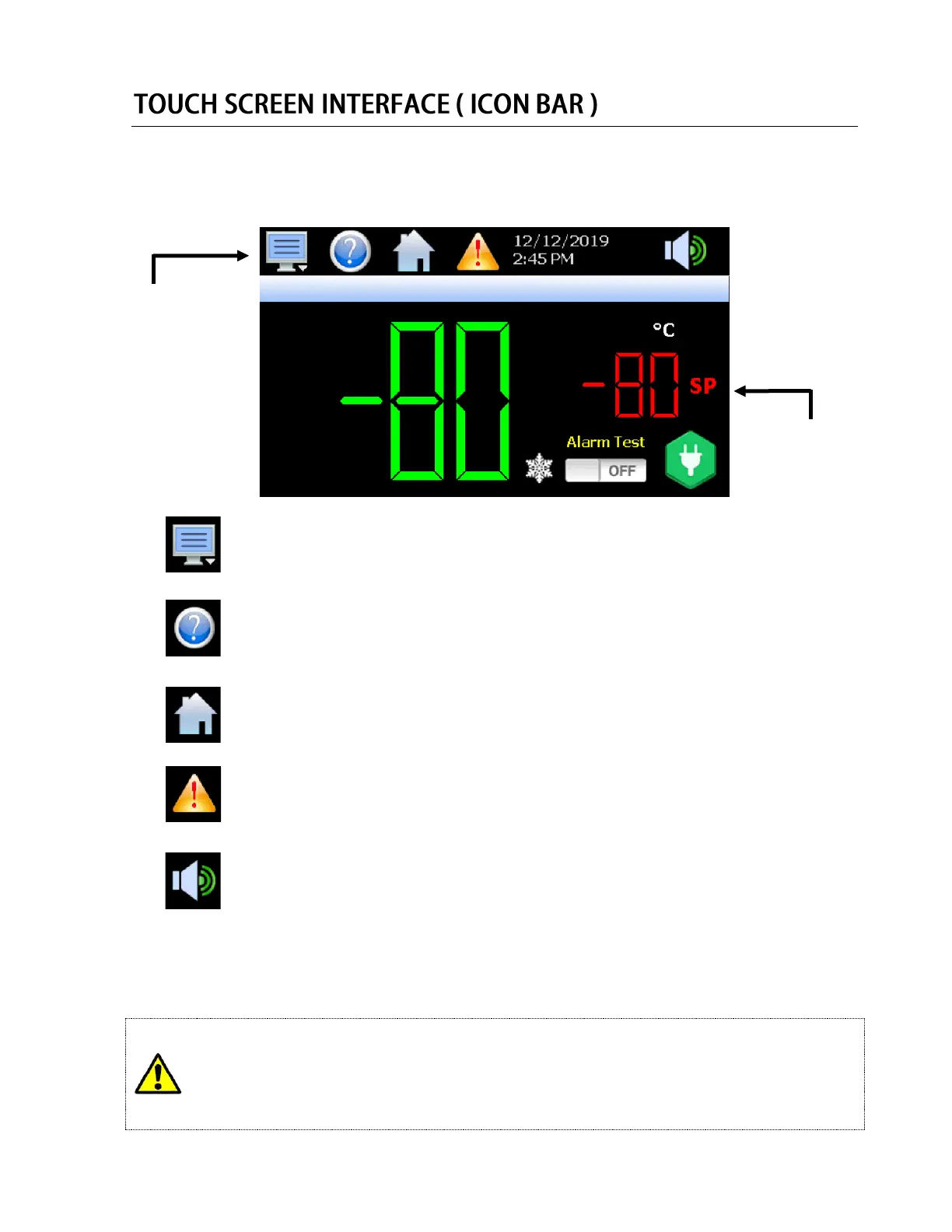
The nCompass display is split into two sections; the upper icon bar and bottom main display area.
The basic functions and settings for the upper Icon Bar are listed below:
The menu icon will open the main menu for navigating to the different control and
monitoring screens. Menu items will dynamically appear providing available options
based on the system area the user is in, i.e., security, data logging, setup, etc.
The information (help) icon will display text based help associated with the current
screen. Help is available in three languages, English, Spanish and French based on
the user selection in the offline setup of section of nCompass.
The home icon will return the user to the main view from anywhere in the nCompass
application. The main view is set by the OEM in the nCompass configuration and can
be the single or dual loop, trend, alarm, alarm history, event or digital IO view.
The alarm icon will appear and flash when a new system alarm occurs. Pressing the
alarm icon will take the user directly to the alarm monitor screen in order to view and
/or reset the active alarm condition.
The speaker icon will open the volume control menu, which controls the audible level
of temperature and condition alarms. The volume setting of “100” is the factory default
setting. Moving the volume dial to the “0” will disable the audible alarm.
IMPORTANT: Do not use any sharp or metal objects on the touch screen as they may damage the
surface. Also be sure that hands and fingers are free from oils or chemicals which may
mar the surface of the touch screen
Attention: Loading time between menu screens or parameter selection screens may vary.
Some menu screens may require several seconds to load before the information is displayed.
Pushing the display several times while a menu or parameter is loading may result in menus
being opened, or parameters being changed unintentionally.


 To Next Page
 Loading...