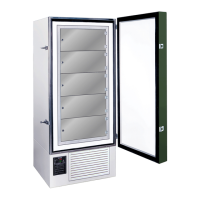
FDC nCompass
VERSION 6.1.17
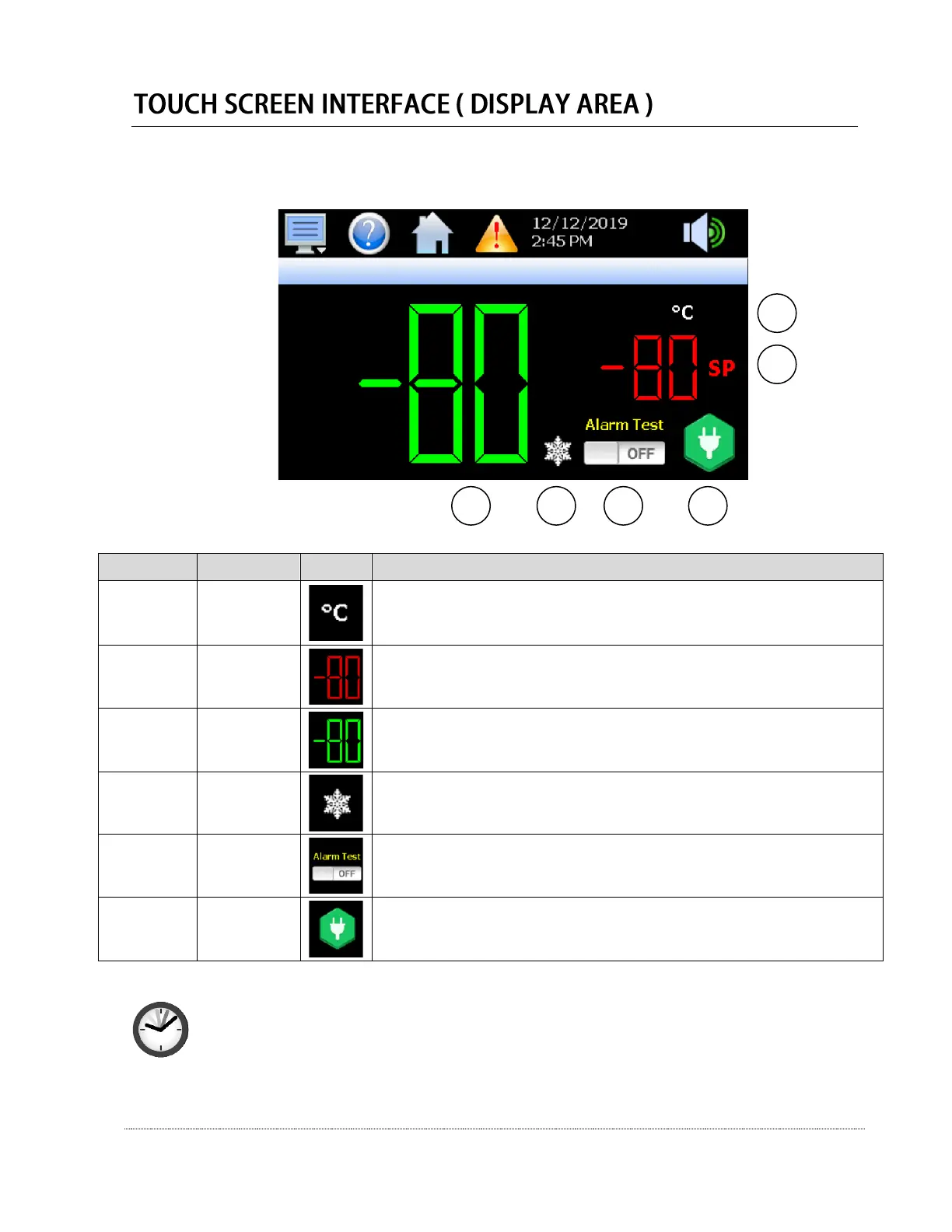
The nCompass display is split into two sections; the upper icon bar and bottom main display area.
The basic functions and settings for the bottom Display Area are listed below:
This display shows the temperature scale of the freezer (°C or °F).
Pressing this display allows you to reset the historical maximum and minimum
temperature (see location C for additional information).
This number display shows the setpoint temperature of the unit.
Press and release the red numbers to change the setpoint temperature. Input the
new setpoint temperature with number pad and press and release the done key.
This number display shows the actual temperature inside the unit.
Pressing this display will show the historical maximum and minimum temperatures.
The historical record can be set by pressing the Temperature Scale button.
This display shows when the refrigeration system compressors are cycled on.
There is no additional functionality of this icon.
This display shows if the alarm test is active. Pressing this display will move the
slider to the ON position, and sound the audible alarm as a test. Note that if the
volume is set to “0”, no alarm will sound. Press the icon again to reset it to OFF.
This display shows the current power connection for the control. If the control is on
AC power, a green plug icon will appear. If the control is on backup battery power, a
red battery icon will appear. There is no additional functionality of this icon.
Note: When changing unit setpoint temperature, the unit must have active power from an
electrical grid for at least 5 minutes after the setpoint temperature is changed, for the new
setpoint to become permanent.
If electrical power to the control is lost before the 5 minute setpoint adjustment period,
the unit will restore itself to the last saved setpoint temperature on power start-up.


 To Next Page
 Loading...