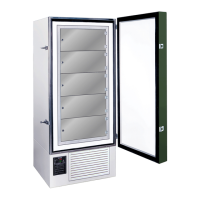
FDC nCompass
VERSION 6.1.17
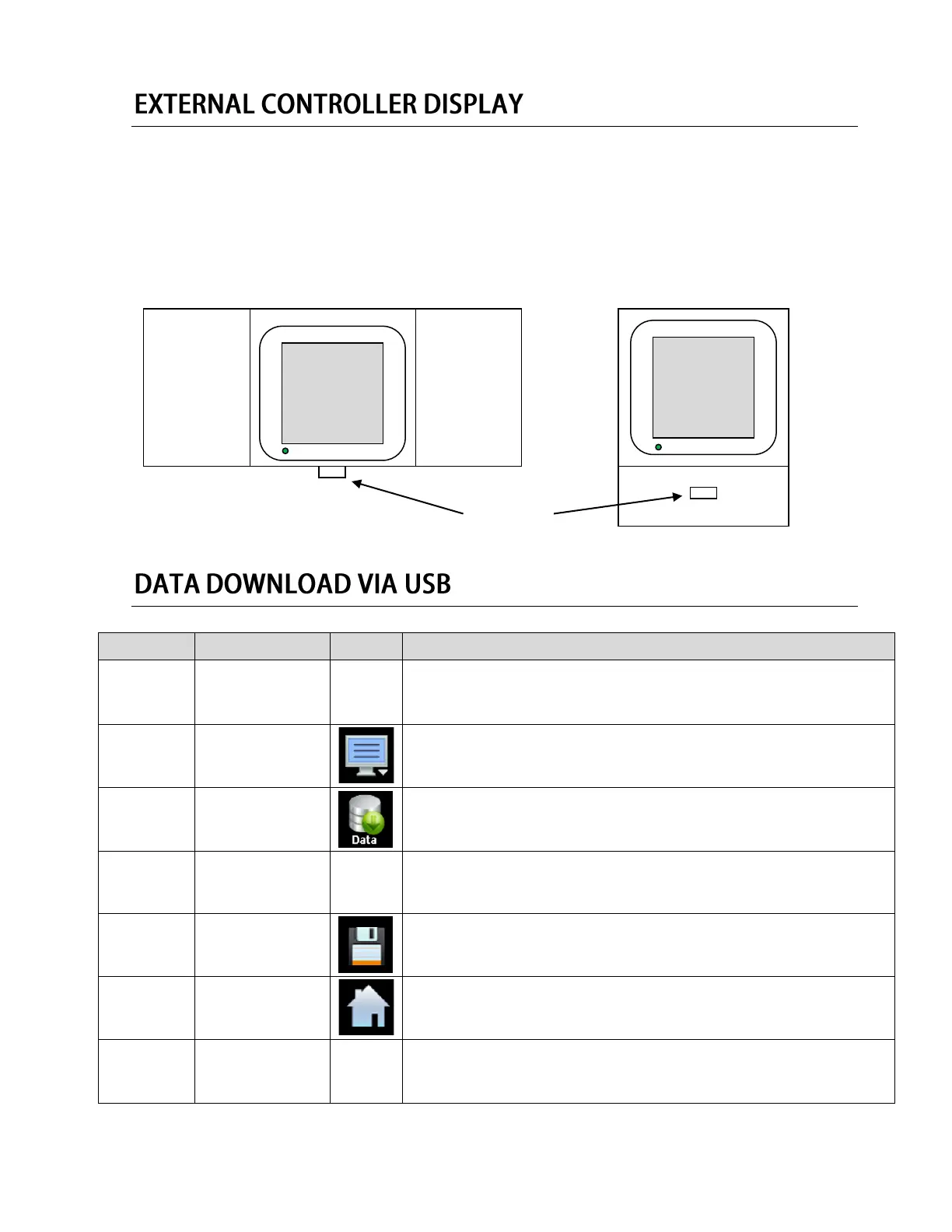
The nCOMPASS controller plate located on the front of the chamber can be vertical or horizontal
depending on the orientation of your unit. Upright freezer models use the horizontal format (shown in
the picture below to the left). Chest freezer models use the vertical format (shown in the picture below to
the right).
UPRIGHT STYLE CHEST STYLE
Insert your USB Drive / Flash Drive into the USB port located on the front of
the control.
Press the menu icon, at the top of the display area.
This will open the Home menu.
Press the Data button, located in the Home menu.
This will open the Data panel. This menu controls how data is transfer to
your USB device.
Specify name
of Data File
(Optional) Enter the requested information into the File Name field. If no file
name is entered, the control will automatically generate a file name for you.
Press the Save button, located in the Data menu.
Press the home key, to return to the home screen.
Remove your USB Drive / Flash Drive from USB port located on the front of
the control.
nCOMPASS
SO-LOW
ENVIRONMENTAL
nCOMPASS
SO-LOW
ENVIRONMENTAL


 To Next Page
 Loading...