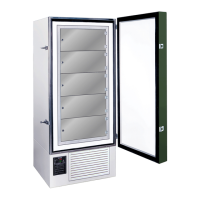
FDC nCompass
VERSION 6.1.17
On the bottom of the freezer ( located either next to the electrical panel, or on the back of the unit ), is an
RJ45 ethernet connection port. This connection port can be used to connect the nCompass control to
your local computer network. When connected to your computer network the nCompass control has
access to the following functionality:
• VNC access for remote connection, for local network users.
When your local computer network also has internet access, the nCompass control has access to the
following functionality:
• Email (and text) alerts to a specified email address (or phone).
• Upload temperature data to an FTP server
EMAIL / TEXT ALARMS MAY NOT OPERATE DURING POWER FAILURE
IF YOUR NETWORK IS NOT PROPERLY CONFIGURED
The battery backup system on the freezer only powers the control during power failure. It does
not power any additional network systems which may be required for your internet to operate.
It is recommended to have your local network router, and modem, connected to a battery
backup, so the freezer’s internet connection will continue to operate during power failure.
Follow the below procedure for adjustments which require the DATA setting to be turned OFF.
Follow the below procedure for adjustments which require the DATA setting to be turned ON.
ATTENTION: While the DATA setting is turned OFF, temperature data will not be recorded.
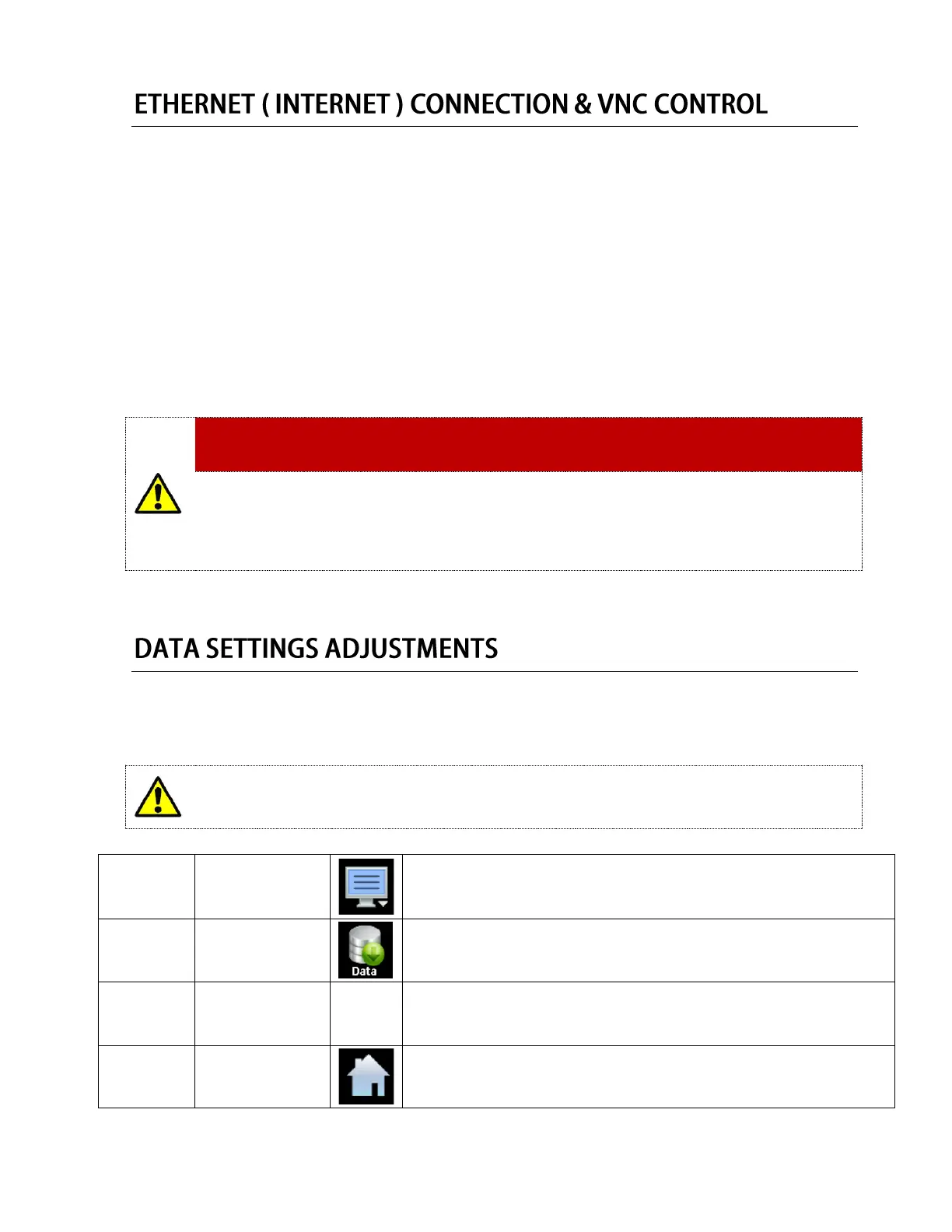
Press the menu icon, at the top of the display area.
This will open the Home menu.
Press the Data button, located in the Main menu.
This will open the Data panel.
Press the Data button on the right hand side to turn the data light off/on.
A BRIGHT green light indicates the data is turned on.
A DARK green light indicates the data is turned off.
Press the home key, to return to the home screen.


 To Next Page
 Loading...