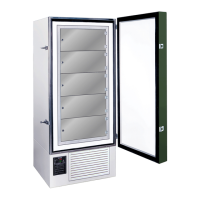
FDC nCompass
VERSION 6.1.17
The nCOMPASS temperature controller has an adjustable temperature scale ( Celsius of Fahrenheit ).
Note: Once the temperature scale has been changed, all past and future temperature data will
be converted into the selected temperature scale.
Follow the steps in the DATA SETTINGS ADJUSTMENTS
to turn the data OFF.
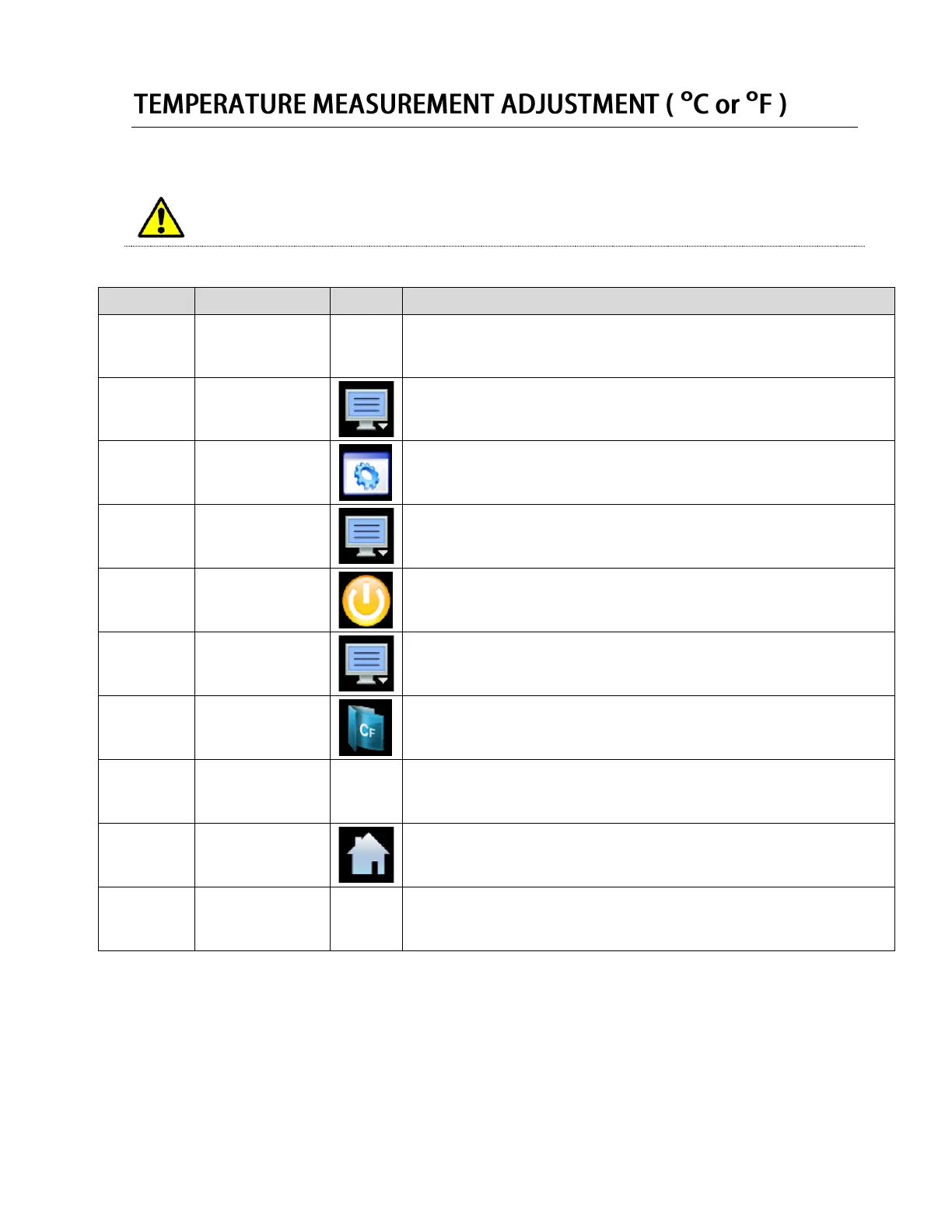
Press the menu icon, at the top of the display area.
This will open the Home menu.
Press the settings button, located in the Home menu.
This will open the Settings panel.
Press the menu icon, at the top of the display area.
This will open the settings menu.
Press the offline button, located in the Settings Menu.
Press YES when prompted to open the control in offline mode.
This will open the Offline mode panel.
Press the menu icon, at the top of the display area.
This will open the offline menu.
Press the units button, located in the Offline menu.
This will open the units panel.
Select the temperature scale (Celsius of Fahrenheit) you wish to display.
A BRIGHT yellow icon indicates the scale has been selected.
A DARK yellow icon indicates the scale has not been selected.
Press the Home button when completed, to return to the home screen.
Follow the steps in the DATA SETTINGS ADJUSTMENTS
to turn the data ON.


 To Next Page
 Loading...