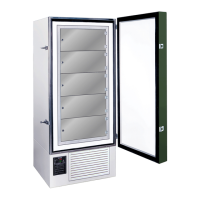
FDC nCompass
VERSION 6.1.17
The nCOMPASS temperature controller has an adjustable offset to calibrate the temperature control.
Note: Adjustments made to the temperature offset will calibrate the control. Adjusting this
setting improperly can cause inaccuracies and fluctuations in the temperature of the freezer.
Follow the steps in the DATA SETTINGS ADJUSTMENTS
to turn the data OFF.
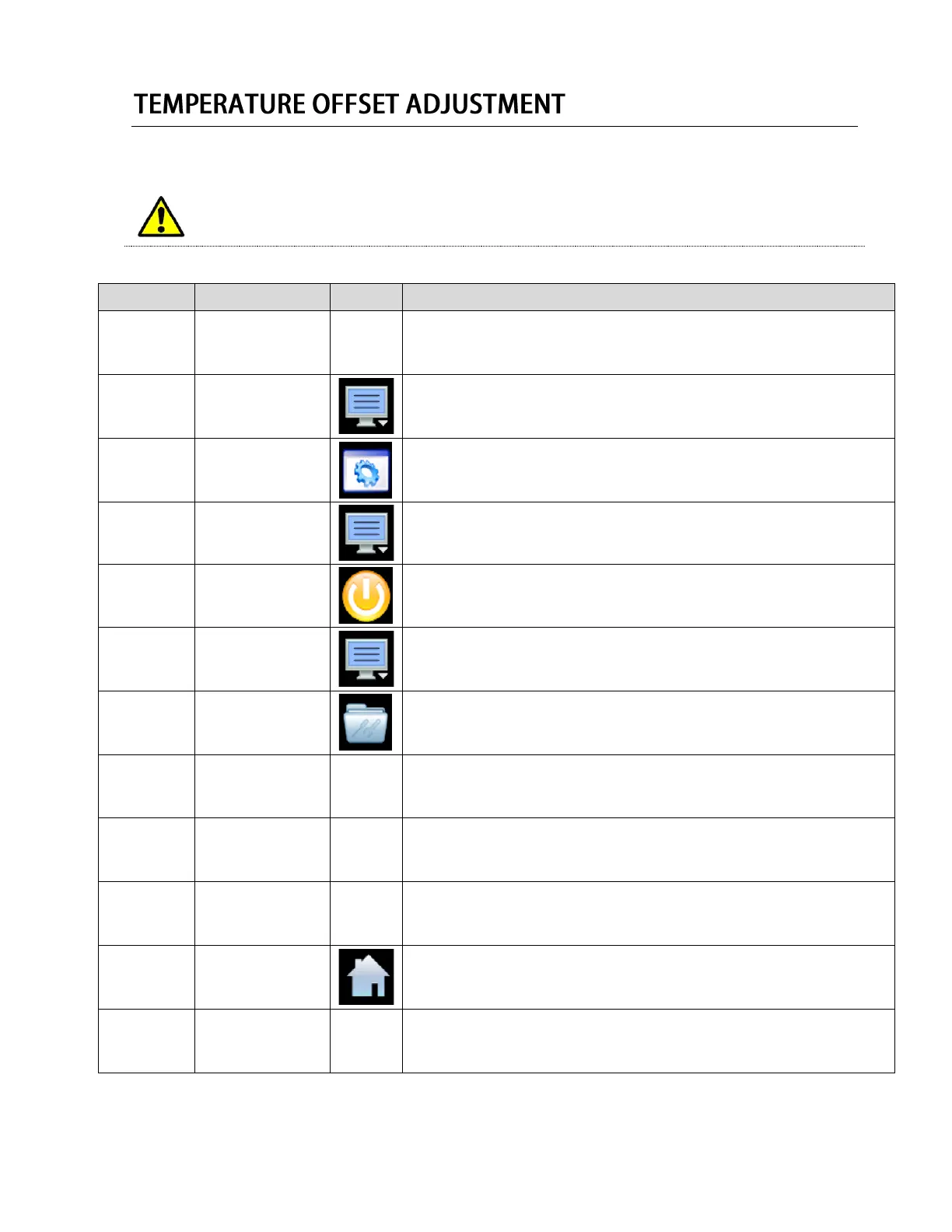
Press the menu icon, at the top of the display area.
This will open the Home menu.
Press the settings button, located in the Home menu.
This will open the Settings panel.
Press the menu icon, at the top of the display area.
This will open the settings menu.
Press the offline button, located in the Settings Menu.
Press YES when prompted to open the control in offline mode.
This will open the Offline mode panel.
Press the menu icon, at the top of the display area.
This will open the offline menu.
Press the calibrate icon, located in the Offline menu.
This will open the calibration menu.
Press “Perform User Calibration Offset”
This will open the user calibration menu.
Enter the desired offset in the Low Point Offset Field.
Press “Done” when completed.
Press the Home button when completed, to return to the home screen.
Follow the steps in the DATA SETTINGS ADJUSTMENTS
to turn the data ON.


 To Next Page
 Loading...