FDC nCompass
VERSION 6.1.17
The nCOMPASS temperature controller has an adjustable alarm differential, to set when the freezer
goes into alarm state.
Note: Improper adjustments to the Alarm Differential could result in the alarm not operating as
designed. The factory configuration for the Alarm Differential is 12.
It is not recommended to set the Deviation Band to a value less than 10, as this may
result in the alarm sounding during the freezers normal temperature cycle.
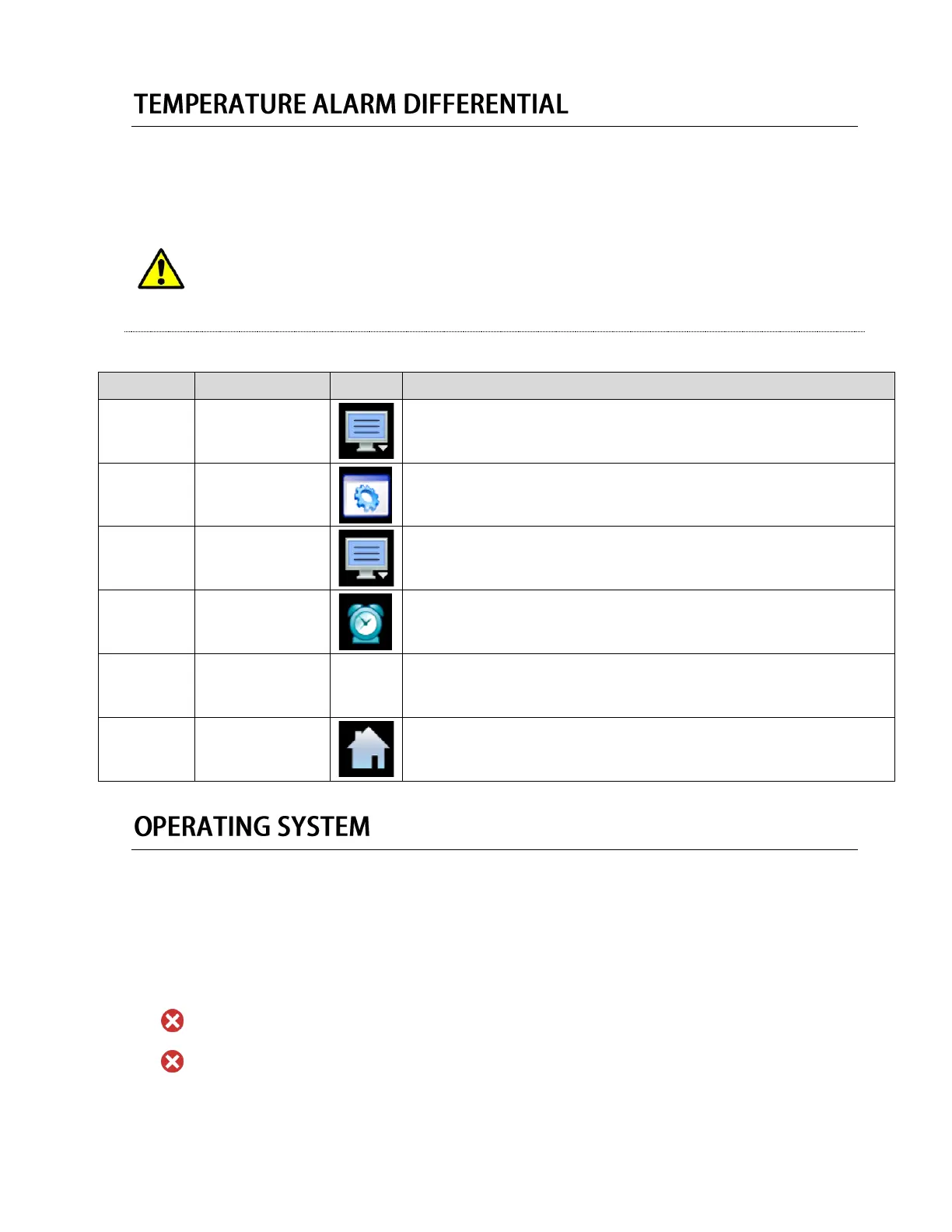
Press the menu icon, at the top of the display area.
This will open the Home menu.
Press the settings button, located in the Home menu.
This will open the Settings panel.
Press the menu icon, at the top of the display area.
This will open the settings menu.
Press the alarm button, located in the Settings menu.
This will open the Alarm panel.
Set the Deviation Band value to the desired Alarm Differential.
Note: Alarm #1, and Alarm #2 can be set for different values for
different alarm states.
Press the Home button when completed, to return to the home screen.
The nCompass Control uses a custom Windows CE based software stored on an internal hard drive
inside the device. Future Design Controls Windows CE based nCompass display and Control Module
(Idec PLC) software (listed as “SOFTWARE” in this document) is protected by copyright laws and
international copyright treaties, as well as other intellectual property laws and treaties. All ownership and
rights remain with Future Design Controls. The nCompass Control does not receive software updates
though the internet, or other means.
DO NOT ATTEMPT TO REMOVE THE HARD DRIVE FROM THE DEVICE.
DO NOT ATTEMPT TO REMOVE THE SD CARD FROM THE DEVICE.
To remove user data from the SD Card, please contact Future Design Controls, Inc. (888-751-5444)


 To Next Page
 Loading...