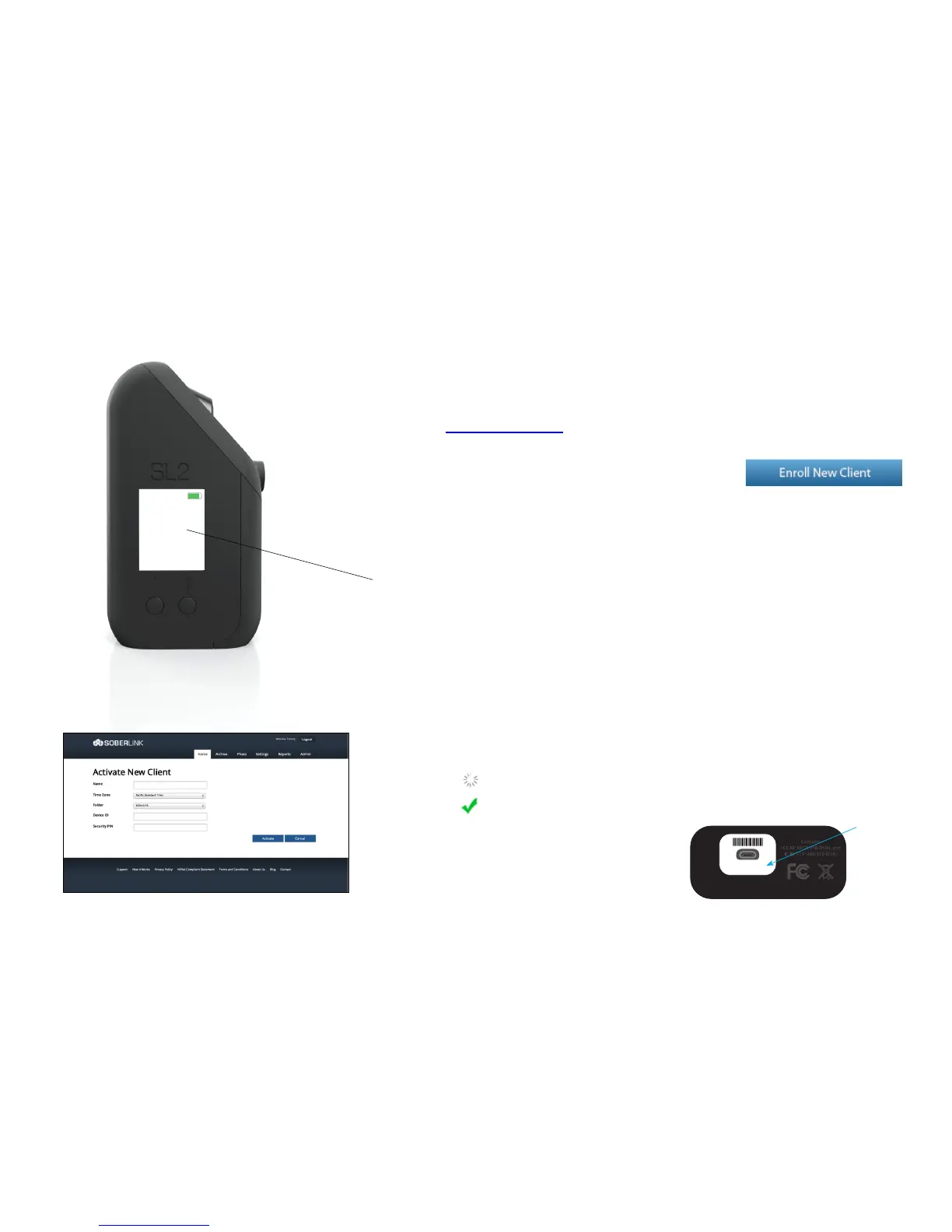
1. Press the Power button on the SL2
2. Go to www.soberlink.net and click on User Login to access your account
3. Once logged in, click the Enroll New Client button
4. On the SL2, select “Start” with the left display button
The device will display the Device ID and Security PIN and will begin checking for
activation on a monitoring portal.
5. On the Monitoring Web Portal, enter the Device ID and Security PIN, along
with the client’s name and time zone, and click Activate.
Once the Activation Information has been entered accurately and there is a
cellular connection, the SL2 will display a “Successfully Activated” message and
the Monitoring Web Portal will show a green checkmark, confirming that the
device is ready to submit a test.
The Device ID is also displayed on the bottom
of the device where the micro-USB port is
located.


 To Next Page