EasyManua.ls Logo

Soberlink connect - User Manual

Soberlink connect
12 pages
Print Icon
To Next Page IconTo Next Page
Loading...
Device Quick Start Guide

Questions and Answers

Summary

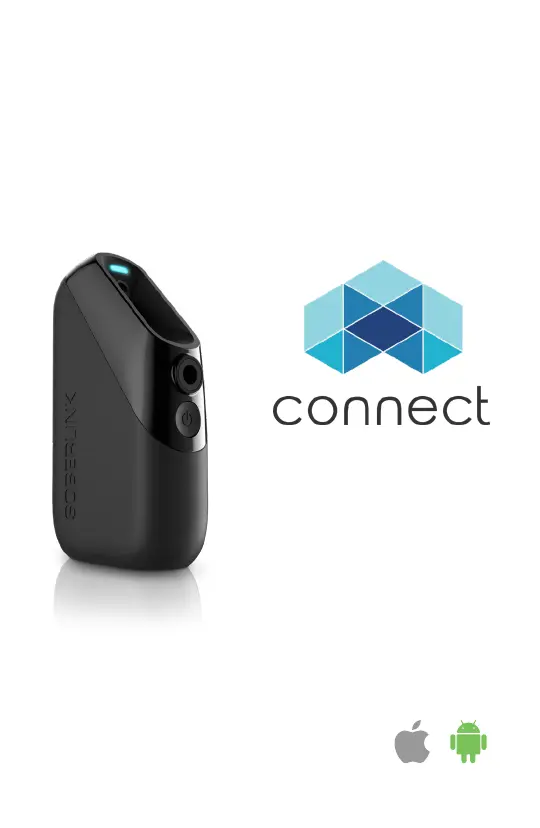
Device Diagram

Status Light

Indicates device status through color and blinking patterns.

Camera

Used for capturing user identity during tests.

Mouthpiece Port

Where the Soberlink mouthpiece is inserted for breath samples.

Power Button

Used to turn the device on and off.

USB-C Charging Port

Located on the bottom for charging the device.

Soberlink Device Accessories

Device Charger

Instructions for connecting the charger to the device and power outlet.

Mouthpiece Usage

Guidance on inserting and using the Soberlink mouthpiece for tests.

Device Case

Information on using the case to protect and store the device.

App Download and Device Pairing

Download the Soberlink Connect App

Steps to find and download the application from app stores.

Pairing a New Device

Instructions on enabling Bluetooth and connecting the device to the app.

Preparing for Breath Sample Test

Submitting a Breath Alcohol Test

Client Text Notification System

Device Operating Information and Safety

Safety Precautions

Important safety information regarding device use and potential discomforts.

Troubleshooting and Maintenance

Maintenance and Warranty

Guidelines for cleaning, repairs, and warranty information for the device.

Intended Use and Disclaimers

Disclaimers and Usage Restrictions

Important warnings and limitations on using the device for safety and operation.

Summary

Device Diagram

Status Light

Indicates device status through color and blinking patterns.

Camera

Used for capturing user identity during tests.

Mouthpiece Port

Where the Soberlink mouthpiece is inserted for breath samples.

Power Button

Used to turn the device on and off.

USB-C Charging Port

Located on the bottom for charging the device.

Soberlink Device Accessories

Device Charger

Instructions for connecting the charger to the device and power outlet.

Mouthpiece Usage

Guidance on inserting and using the Soberlink mouthpiece for tests.

Device Case

Information on using the case to protect and store the device.

App Download and Device Pairing

Download the Soberlink Connect App

Steps to find and download the application from app stores.

Pairing a New Device

Instructions on enabling Bluetooth and connecting the device to the app.

Preparing for Breath Sample Test

Submitting a Breath Alcohol Test

Client Text Notification System

Device Operating Information and Safety

Safety Precautions

Important safety information regarding device use and potential discomforts.

Troubleshooting and Maintenance

Maintenance and Warranty

Guidelines for cleaning, repairs, and warranty information for the device.

Intended Use and Disclaimers

Disclaimers and Usage Restrictions

Important warnings and limitations on using the device for safety and operation.

Soberlink connect Specifications

General IconGeneral
GPSYes
Device TypeBreathalyzer
ConnectivityCellular
Tamper DetectionYes
MemoryStores test results
DisplayLCD
Operating Temperature32°F to 104°F (0°C to 40°C)
Humidity Range10% to 85% non-condensing

Related product manuals