4
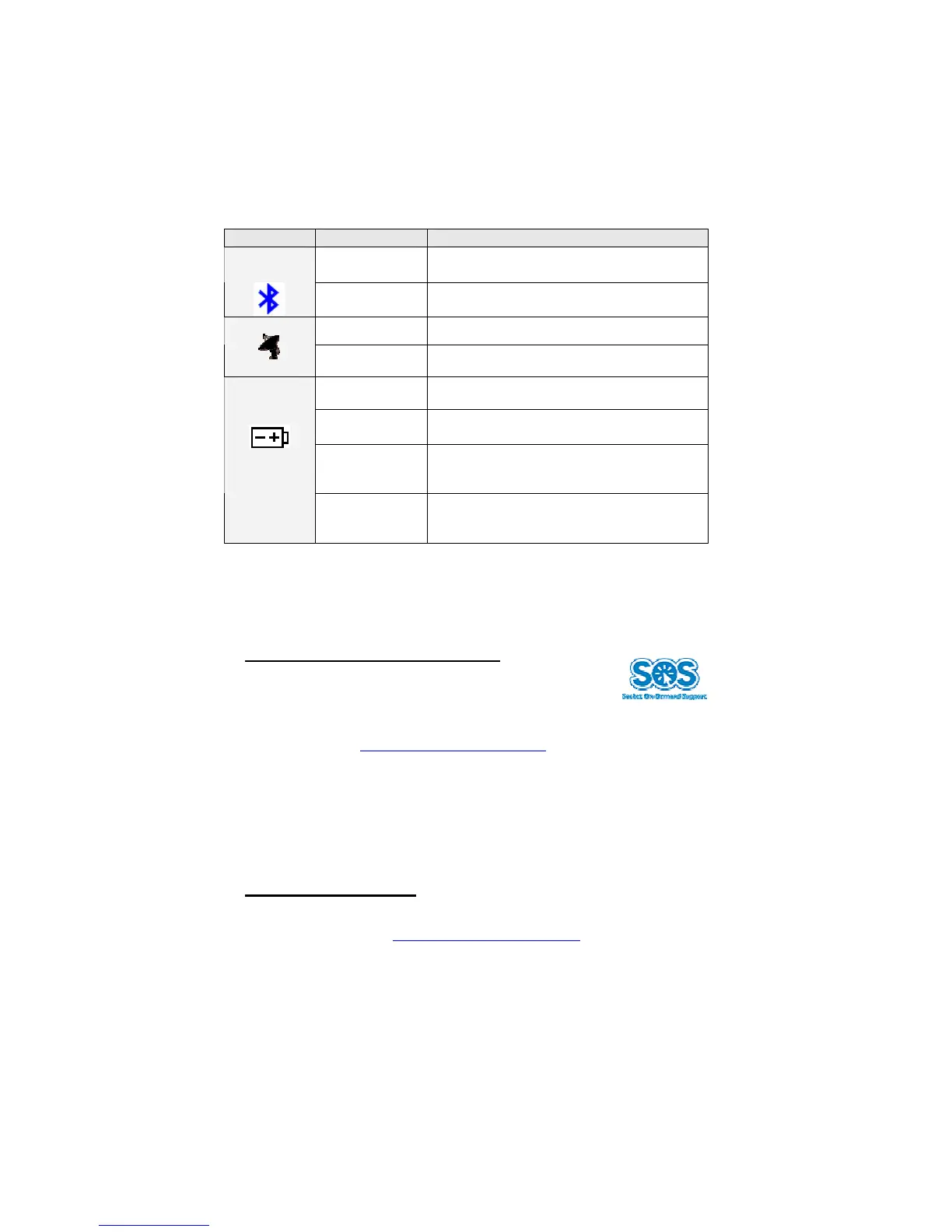
Status Indicator LEDs
LED LED Activity Meaning
Solid Blue Bluetooth radio is on, but not connected.
Bluetooth
Status
Blinking Blue
Bluetooth radio is on, connection
established.
Off GPS fix has not been obtained.
GPS Status
Blinking Green GPS fix has been obtained.
Blinking Red
Running on battery power, with battery
less than 10% full. Charge immediately.
Solid Amber
Connected to power charger, with battery
less than 90% full.
Off when
connected to
power charger
Battery is more than 90% full.
Battery
Status
Off when not
connected to
power charger
Device is running on battery power, with
battery more than 10% full.
Technical Support
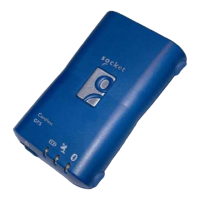
If you have trouble installing or using the GPS Receiver, Socket has two
technical support resources to help you:
1. Socket On-Demand Support (SOS)
Socket On-Demand Support is an interactive technical
support program that focuses in on your specific problem
to provide the answers you need. SOS provides
immediate service and is the best place to start for technical support. To
access SOS, visit: www.socketcom.com/support
. Click on the SOS icon.
If SOS cannot solve your problem, end the session by submitting an
email inquiry to a Socket technical support engineer as prompted. Your
interactive session will be saved for reference. To expedite technical
support, you will be asked to register your product and provide some
system information.
2. Live Technical Support
IMPORTANT! To obtain live technical support, you must first register
your product online at www.socketcom.com/prodreg
.
Immediately after product registration, you will be given the option to
submit a problem. Click on this option to submit an email inquiry to a
technical support engineer. If we cannot resolve your inquiry via email,
we can arrange for a support engineer to call you at a specific time.


 To Next Page