copyright by www.flowboard.ch 21
Fl
CHARGER
1. This charging port of the Flowboard Pop is external. Please insert the charger into the charging port before
connecting it to the power supply (AC100-240V).
2. While the charging indicator is red, the battery is charging normally. When the indicator light turns green, the
charging process has been completed.
3. Charge the Flowboard Pop only with the standard qualified charger.
4. The charger has a over-charge protection function. Once the battery is 100% charged, it will stop charging
automatically.
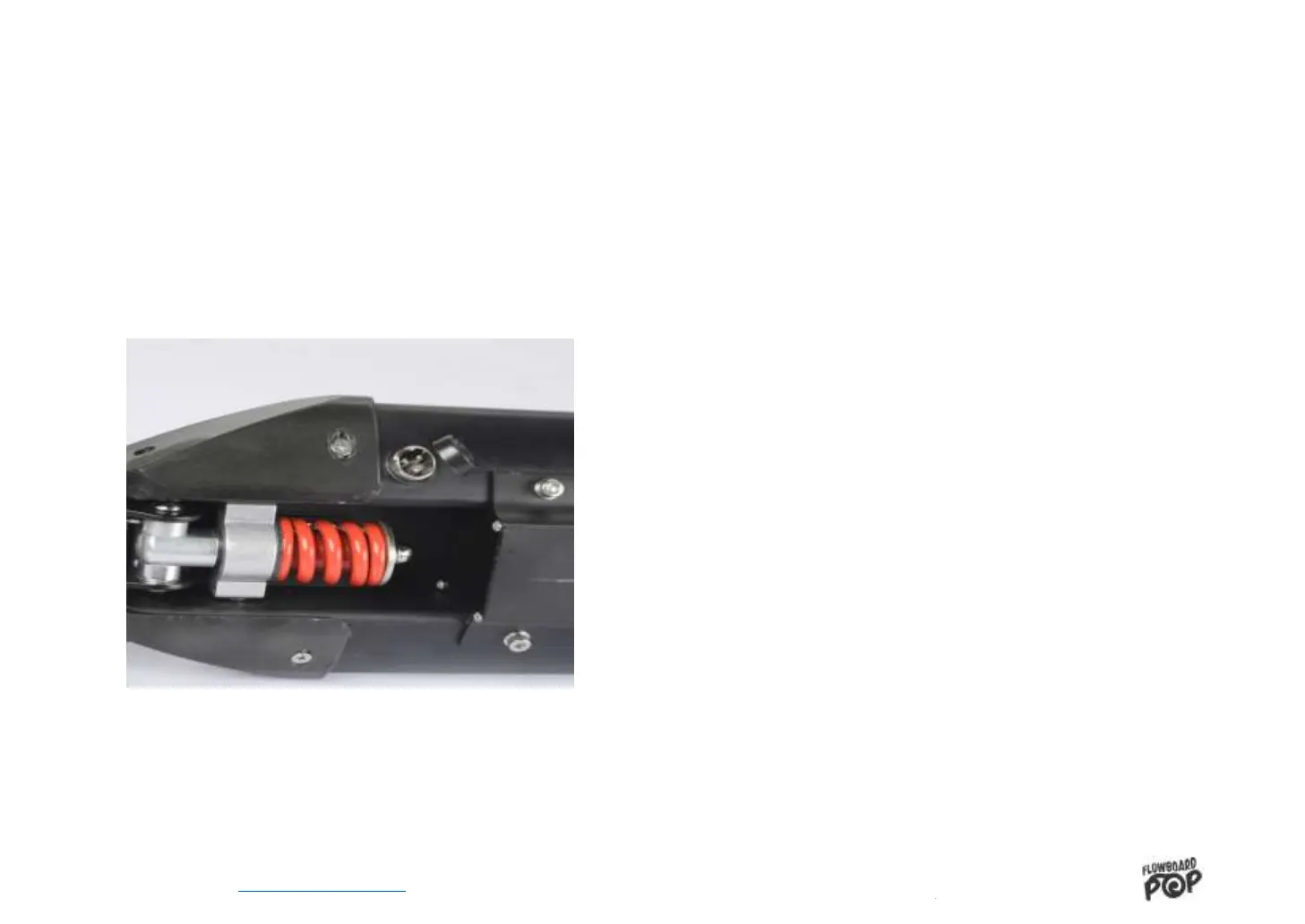
CHARGE PORT’S POSITION
Picture 9


 To Next Page