copyright by www.soflow.com 16
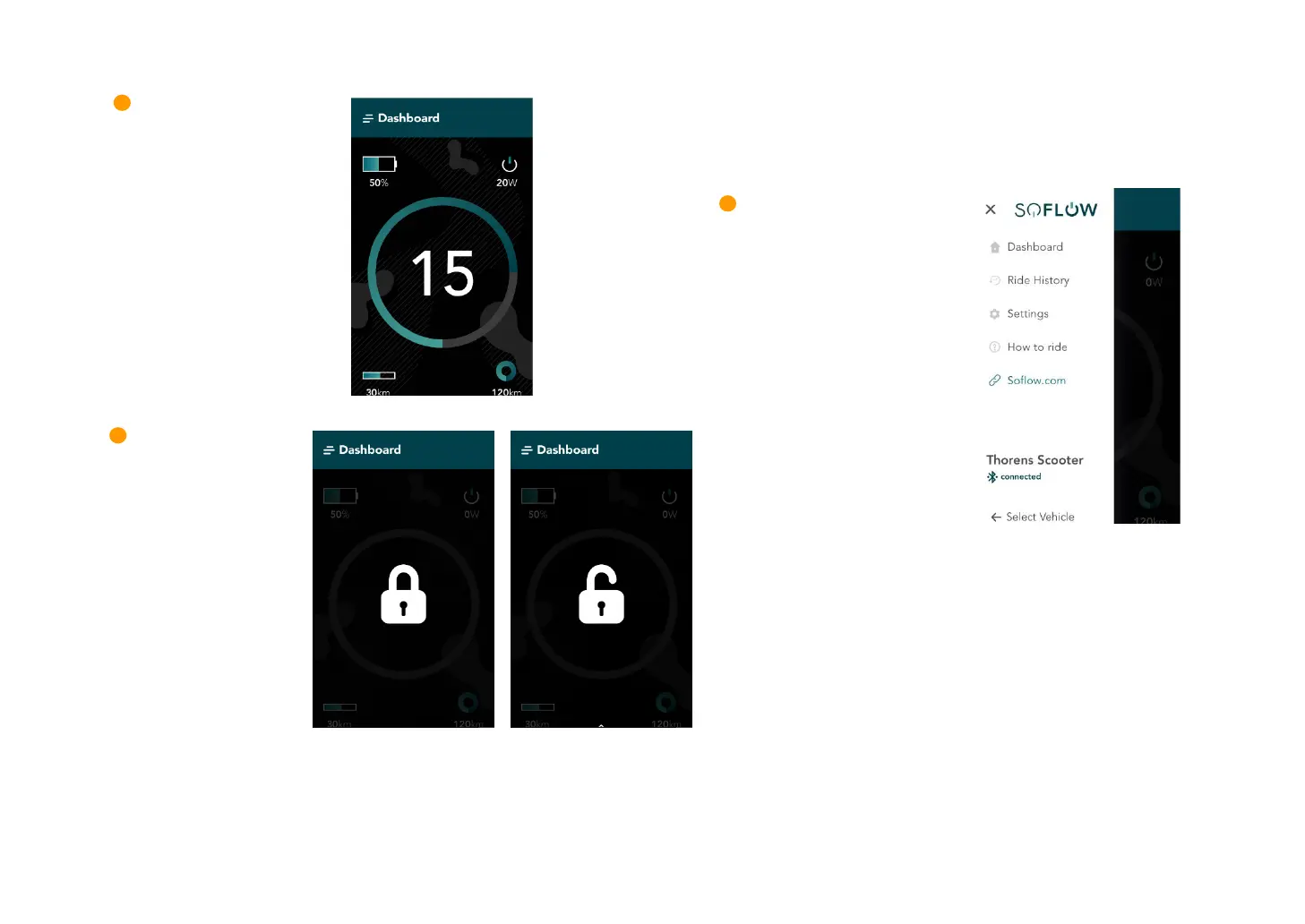
Once you have successfully logged in, you find the following functions in your app:
Note: When you lock the scooter, it remains in standby mode and continues to use power. You can switch off the scooter to reduce power consumption.
In this case, the motor will no longer be blocked until the scooter is switched on again. When you turn the power back on, the block will remain in effect
until you deactivate it.
information about battery
status, current speed, travel
distance and total mileage.
your scooter by swiping up
in the dash board menu.
Enter the menu by pressing on the
banner on top of the screen. You can
then choose the different menu
options and find additional
information about your ride history,
enter the settings, read the manual
or visit the official website.


 To Next Page